Limits before they hit
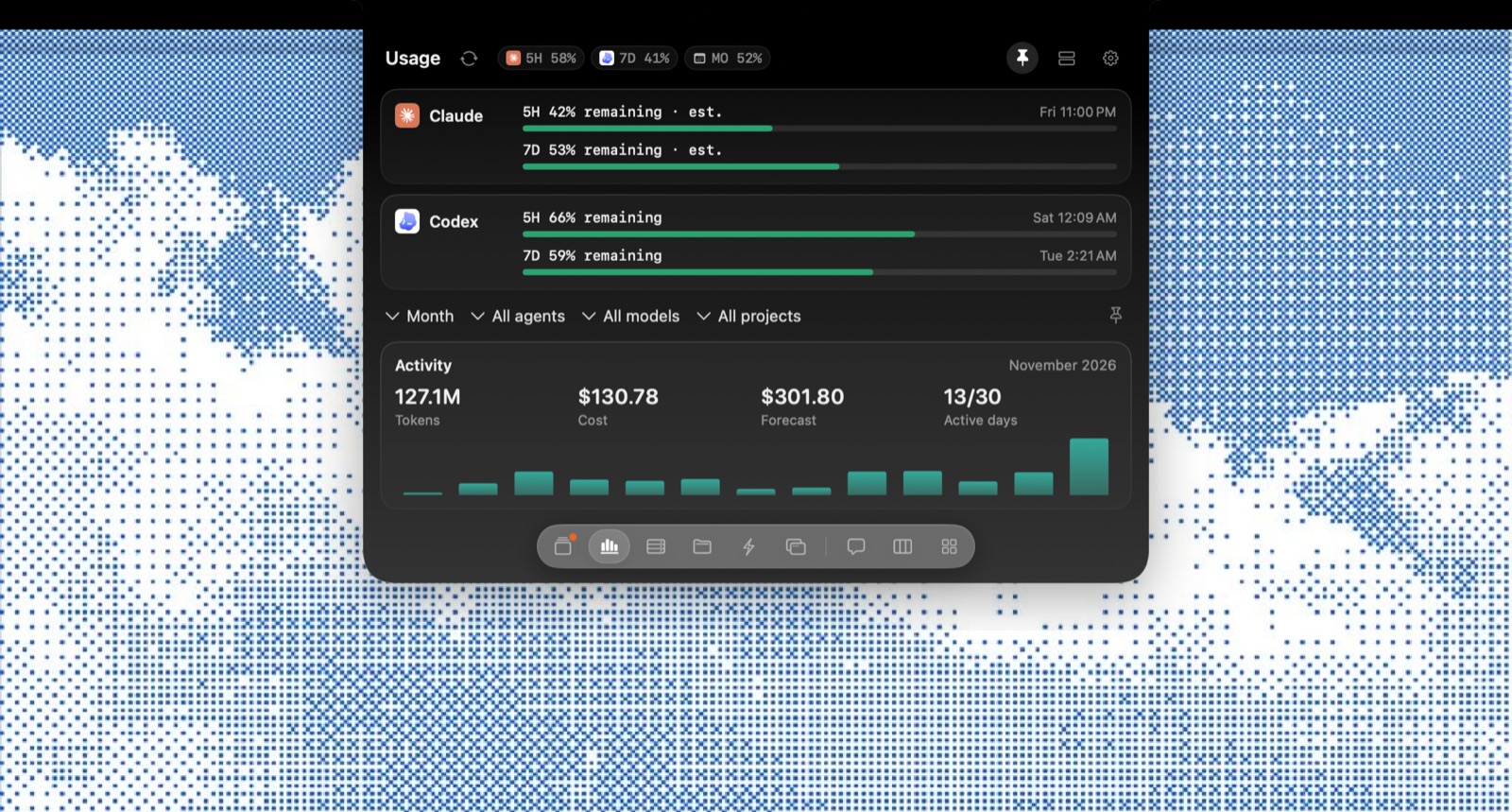
5‑hour and weekly windows for Claude and Codex
Native command center for your coding agents
Approve, track and steer every session from the notch
Local-first · Nothing leaves your Mac
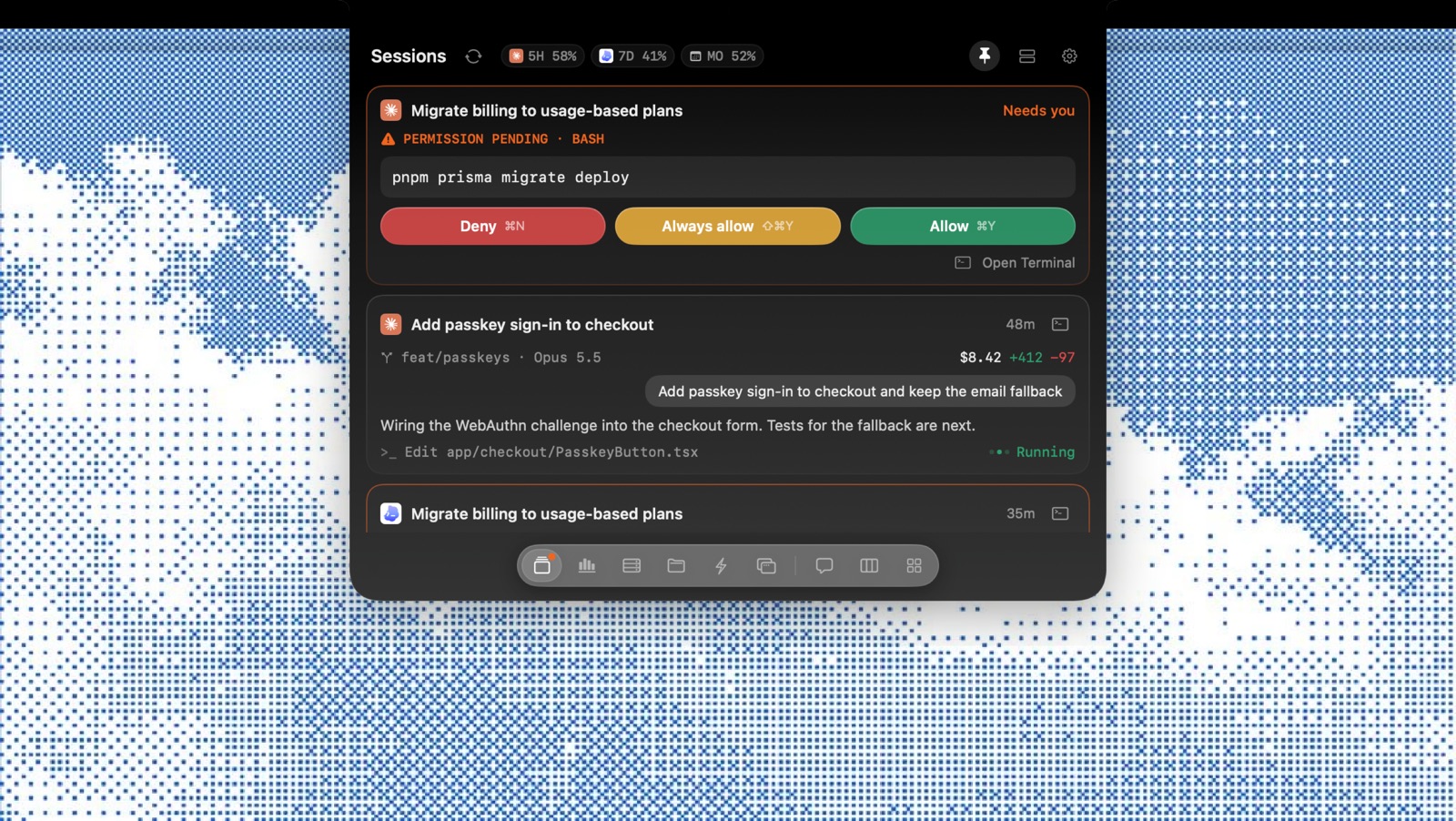
Permission prompts open right where you're looking. ⌘Y to allow, ⌘N to deny.
5‑hour and weekly windows for Claude and Codex
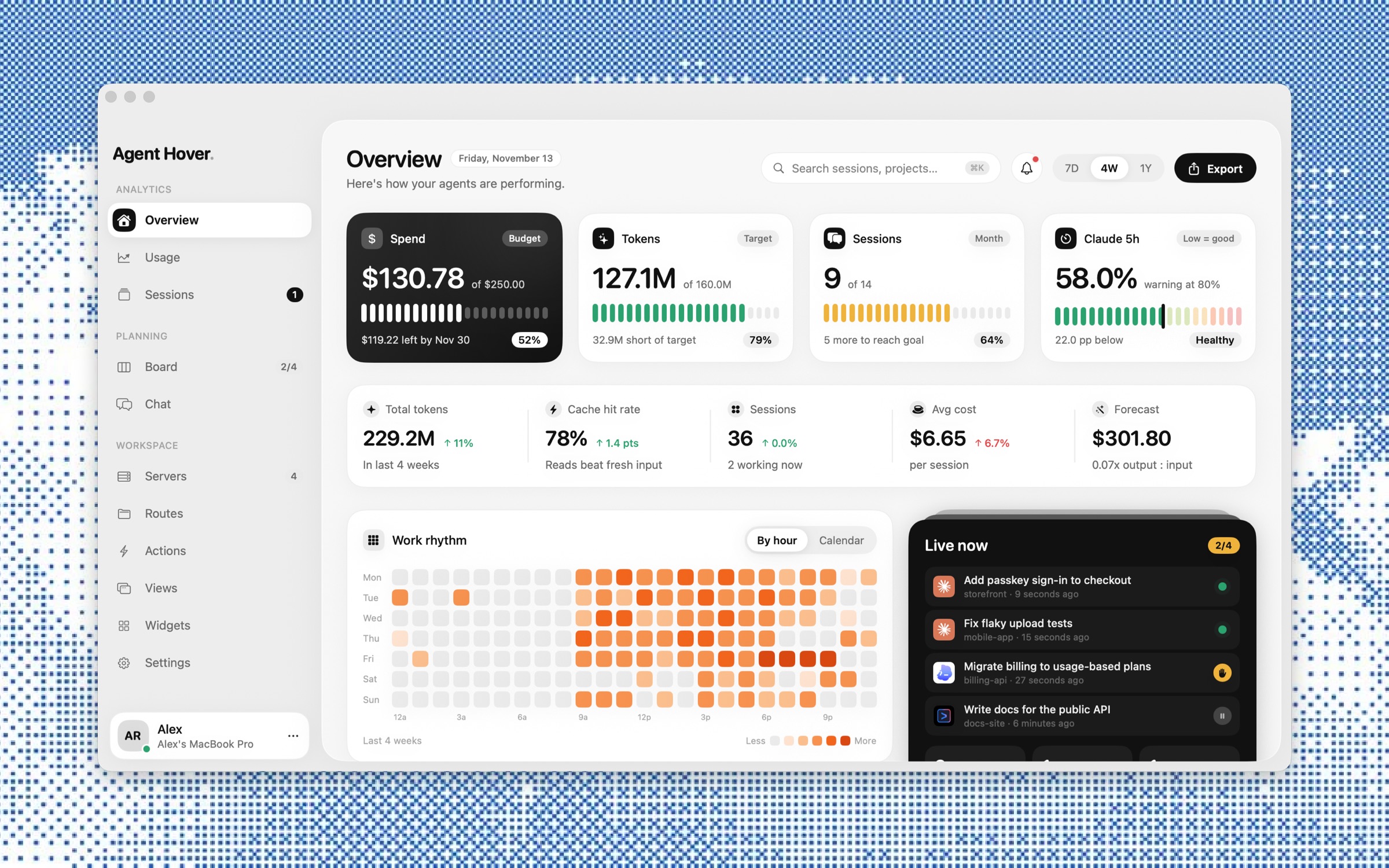
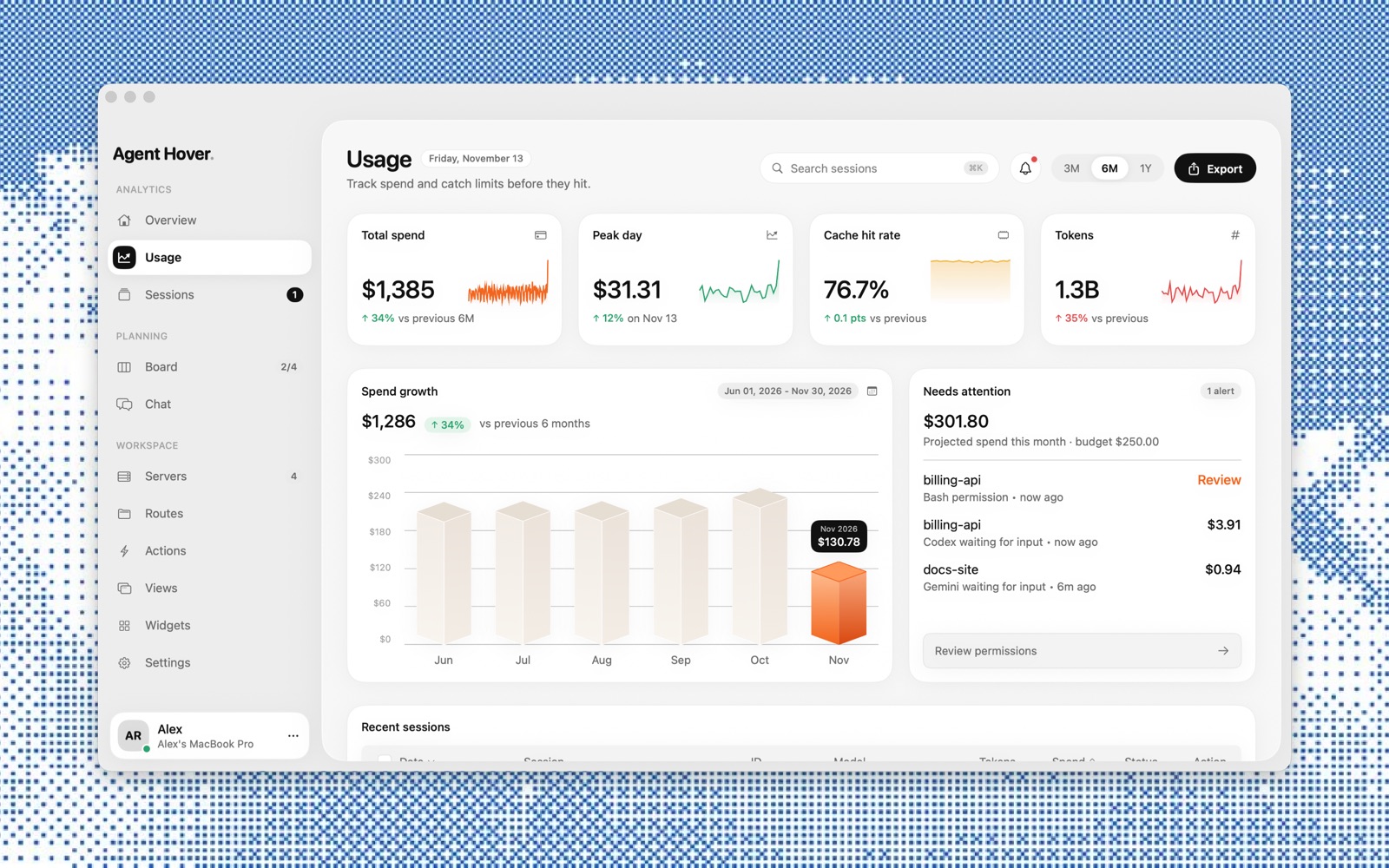
Spend, tokens and cache hits, month over month
Newest first, across every agent on this Mac
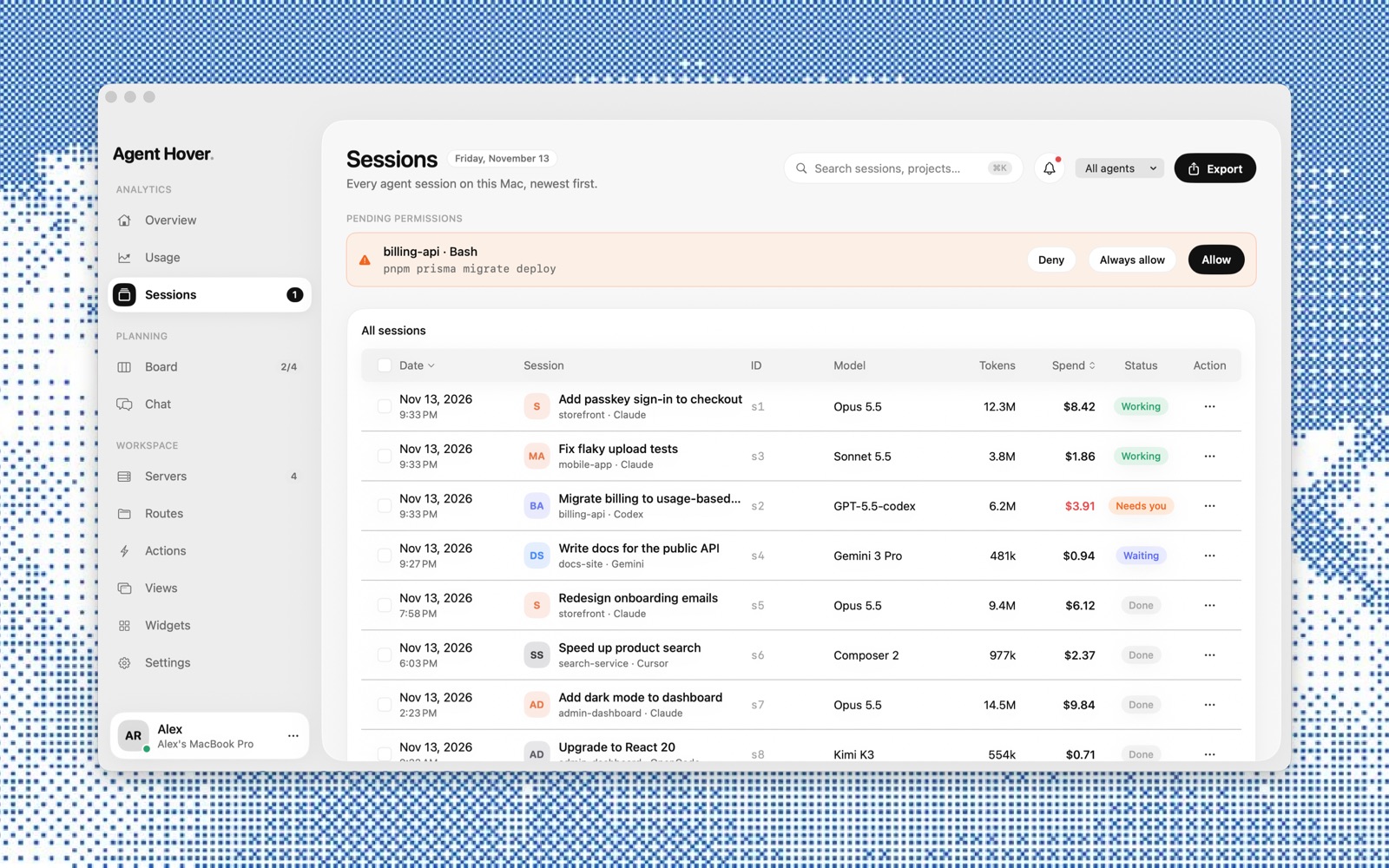
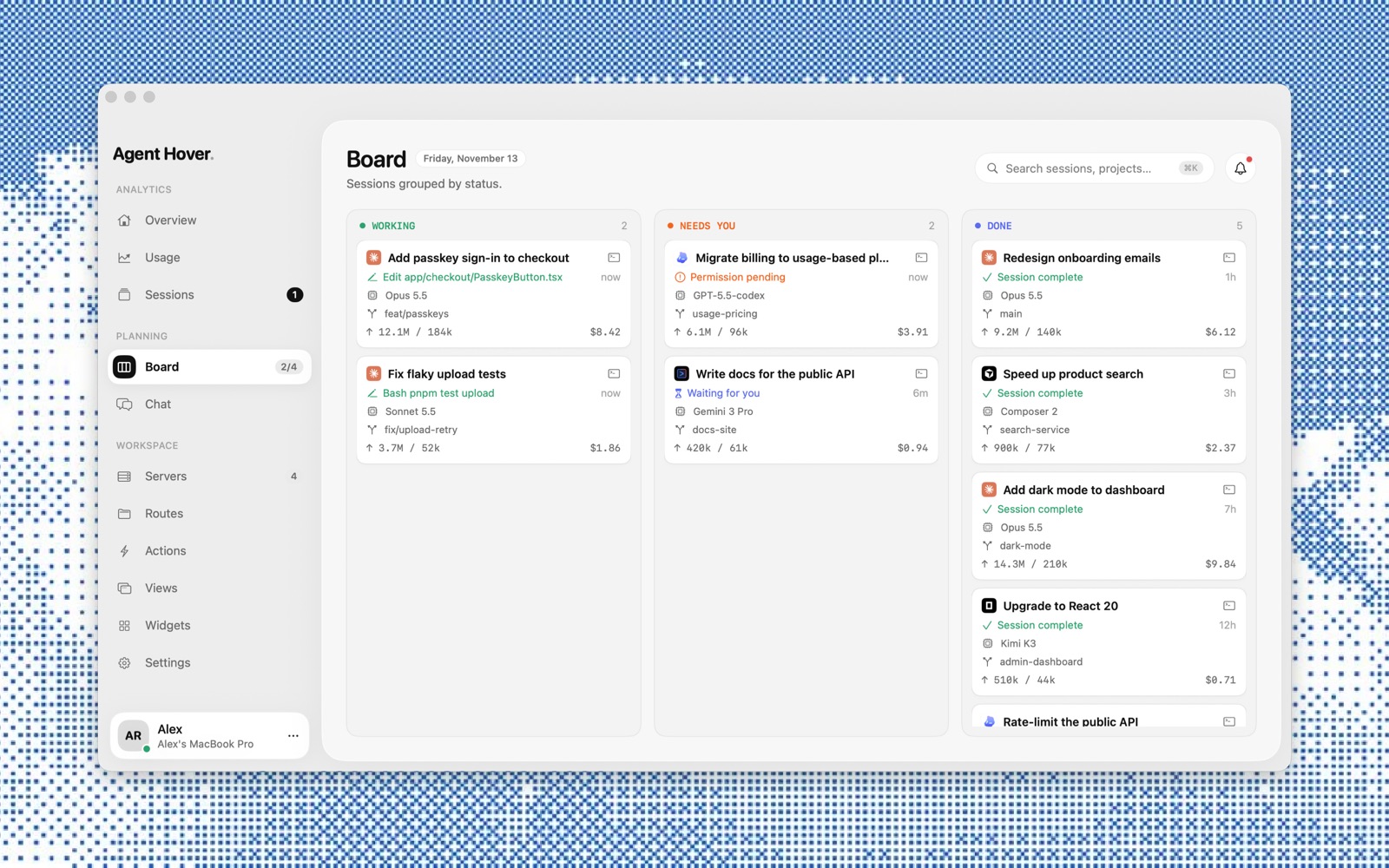
Working, needs you, done
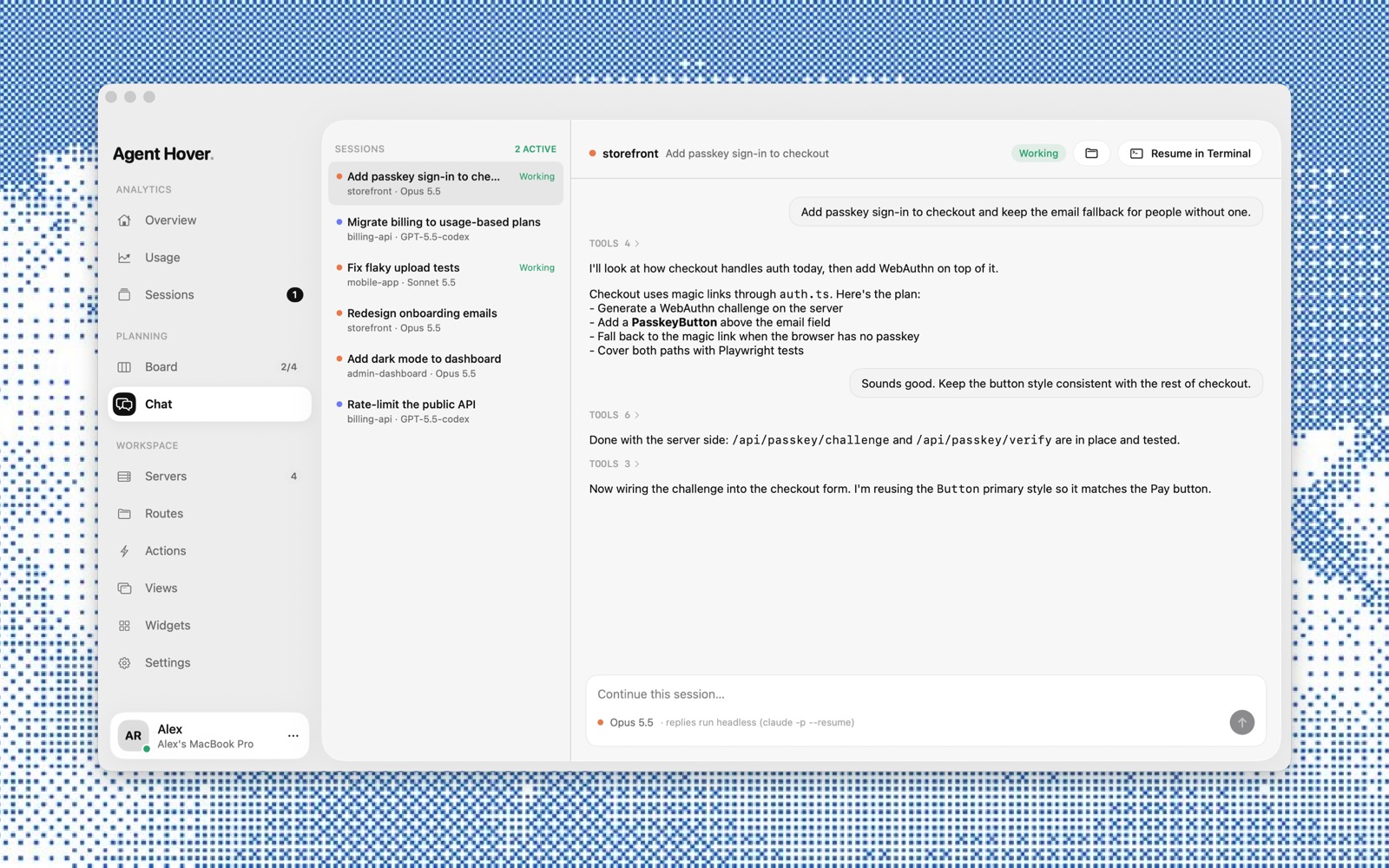
Reply headless, or resume in Terminal
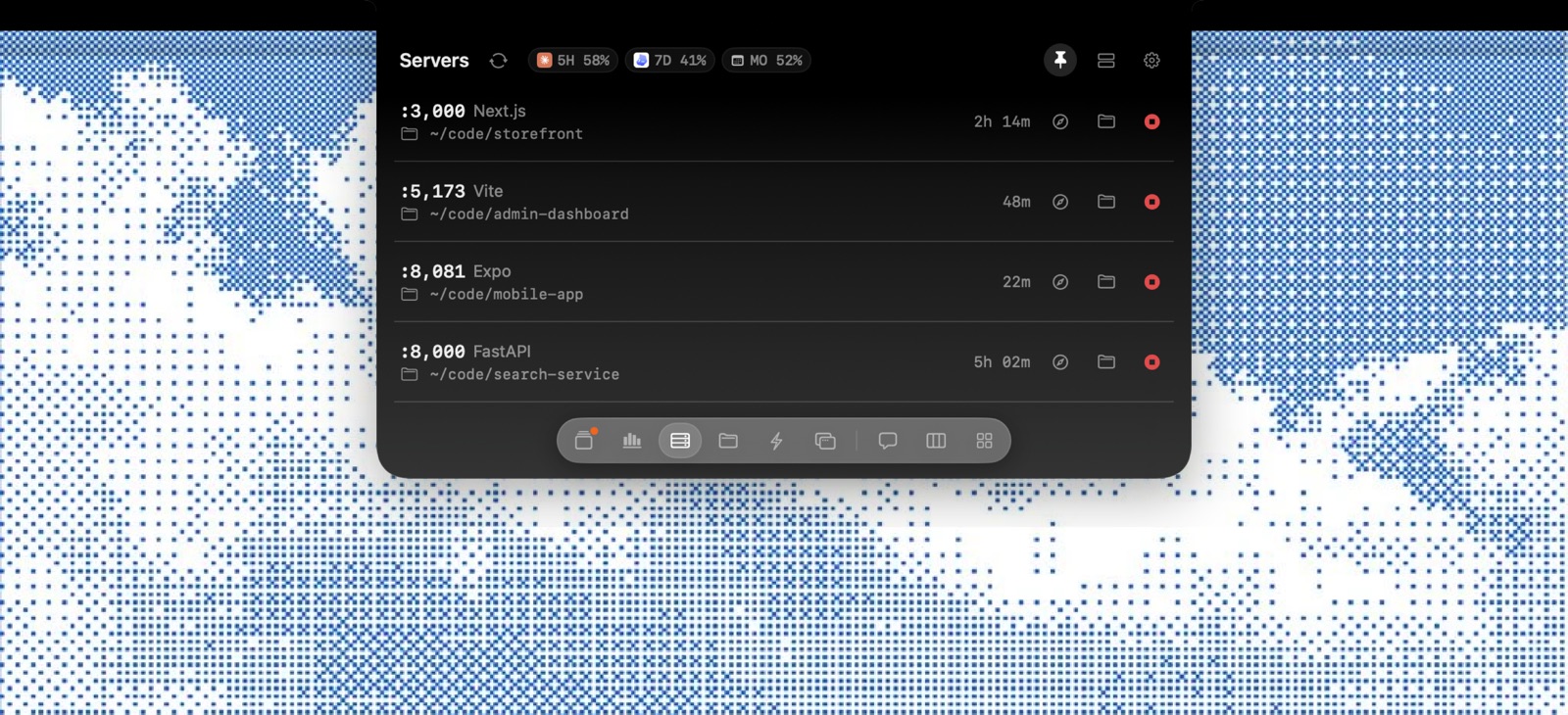
Every port listening, open or stop in a click
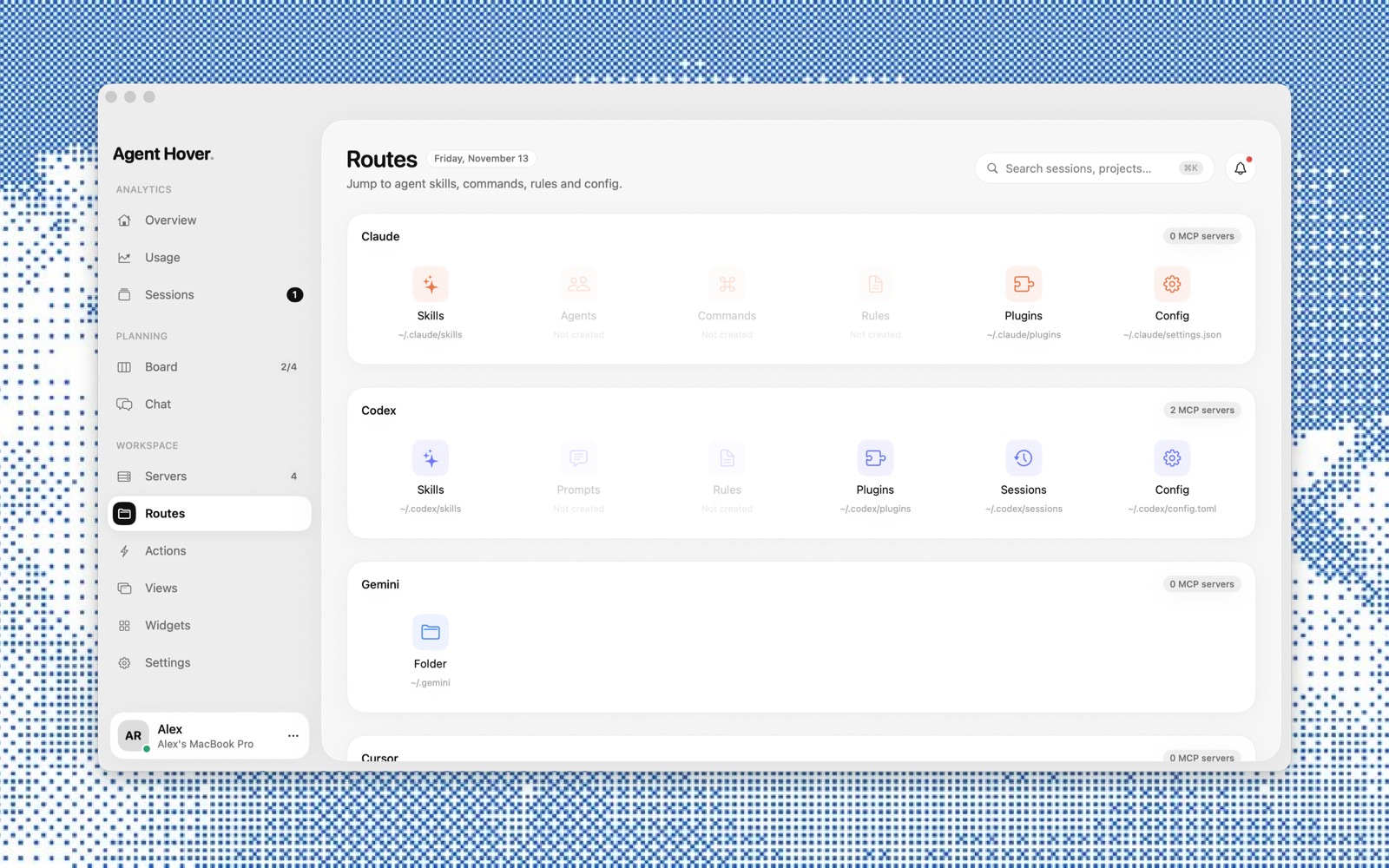
Skills, plugins, rules and settings per agent
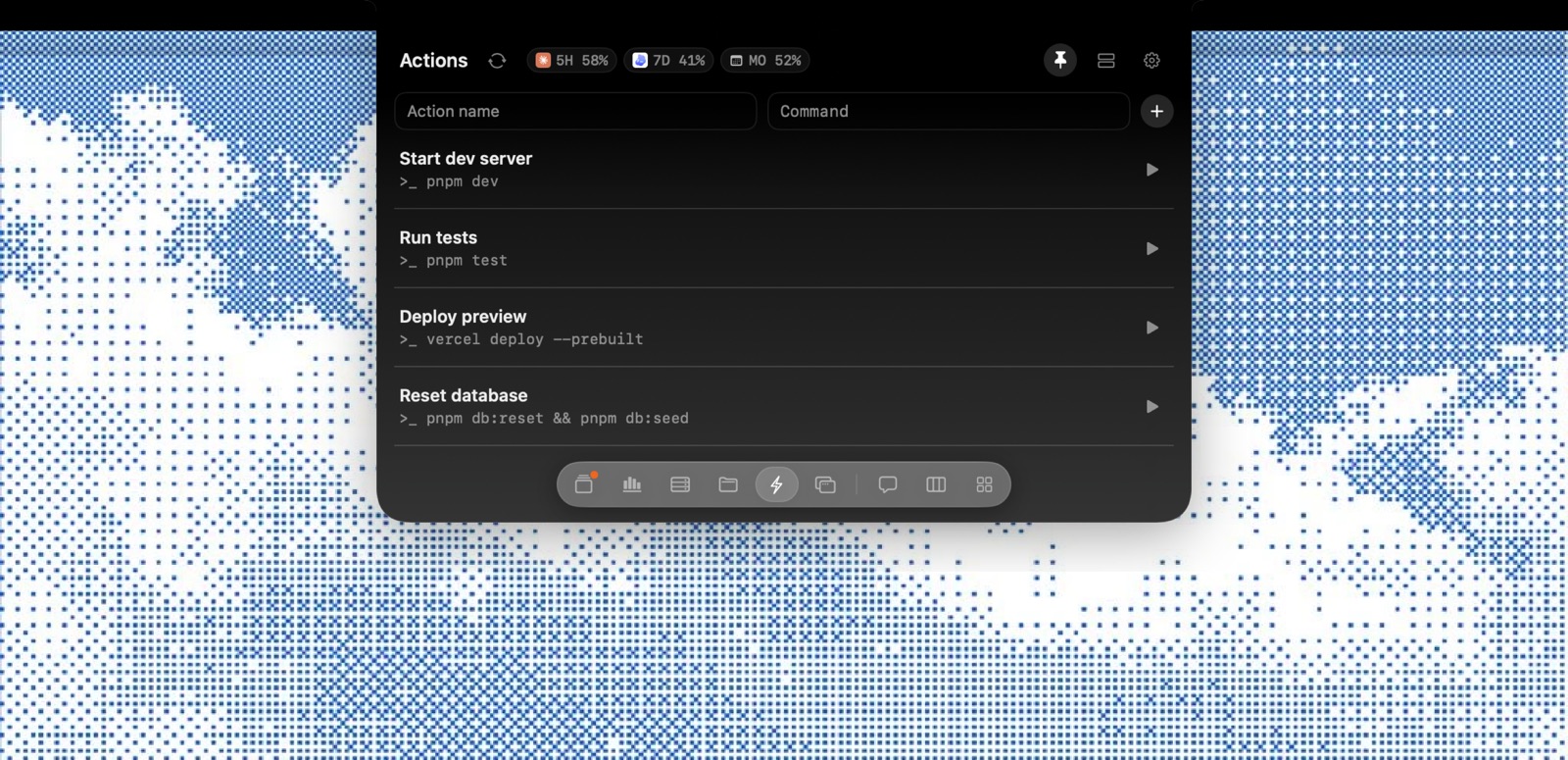
Saved shell commands, right from the notch
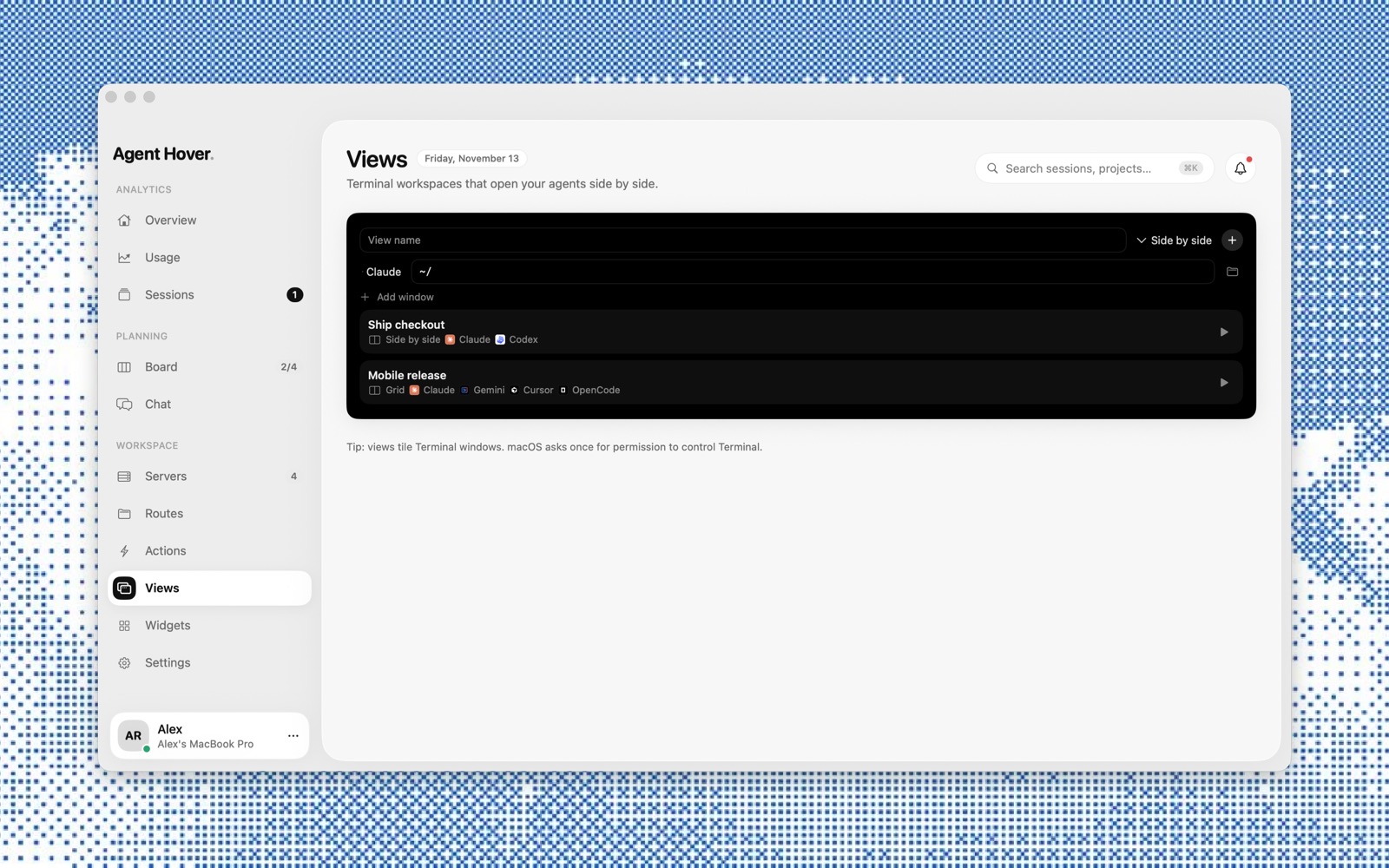
Open your agents side by side in Terminal
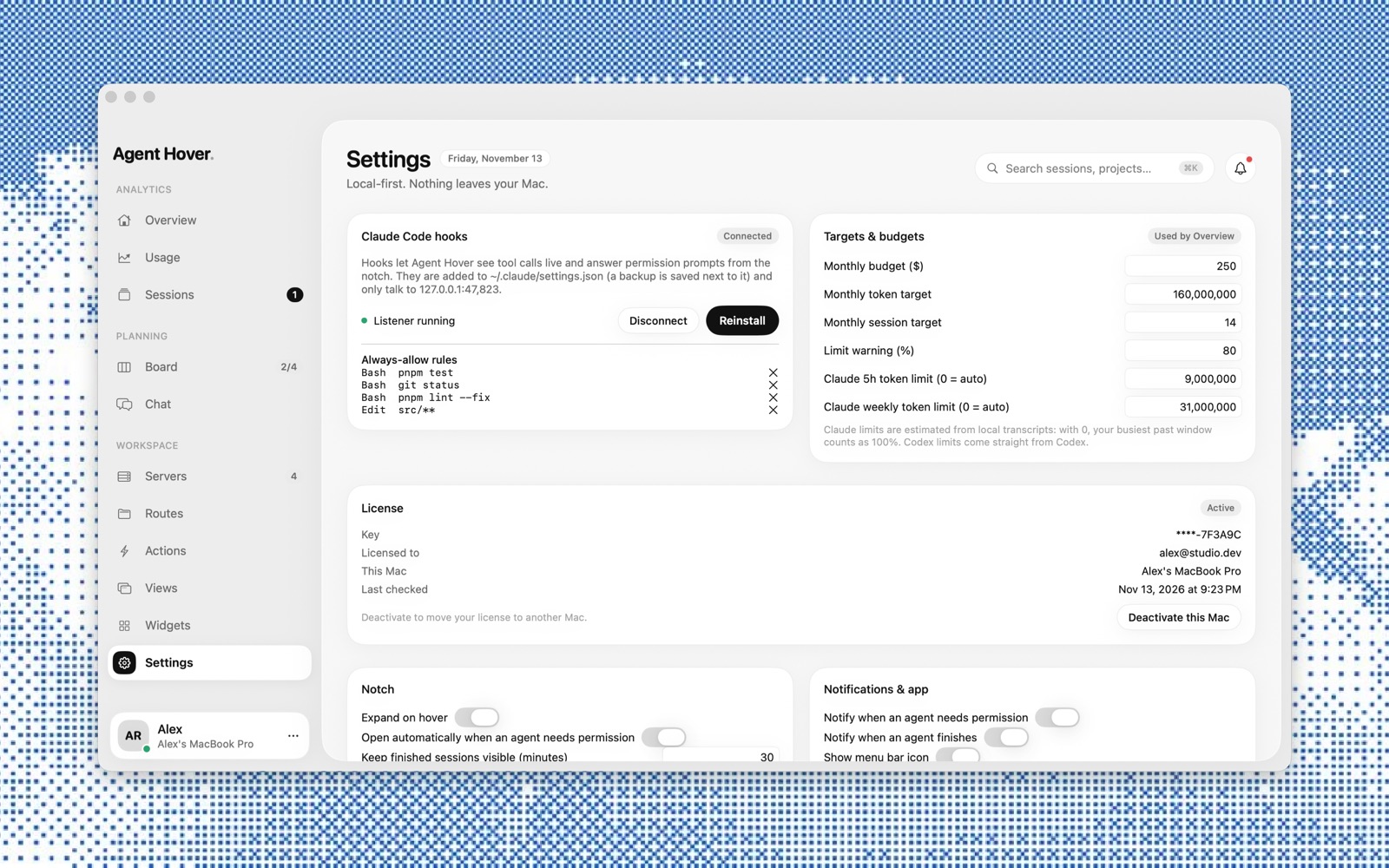
Set a monthly budget, get warned before limits
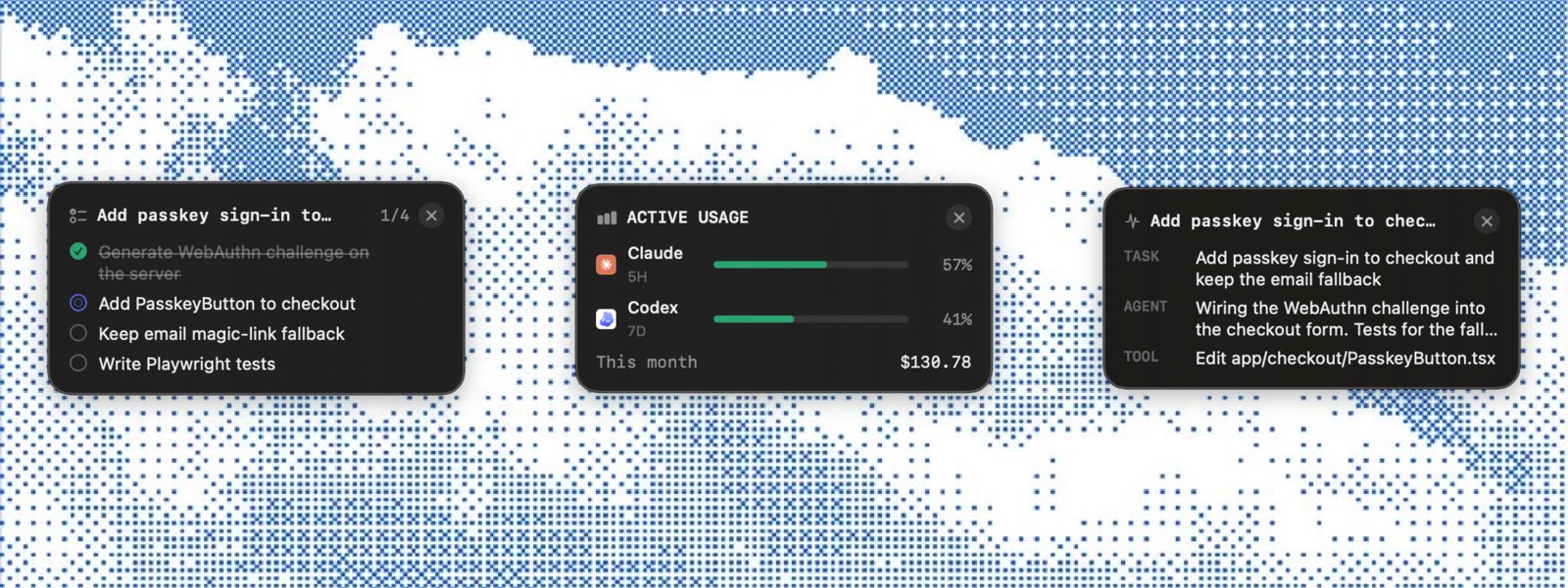
Pin a session's tasks, usage or live activity anywhere on your desktop

Collapsed, it's a few dots in the notch. A badge appears when an agent needs you.

Agent Hover
A native Mac app that keeps an eye on the AI coding agents running on your machine. It lives in the notch, shows what each session is doing, and lets you answer permission prompts, check usage limits and track spend without switching windows.
Claude Code, Codex, Gemini, Cursor and OpenCode. Sessions from all of them show up in one list, on the board and in the notch.
Agent Hover installs Claude Code hooks so it can see tool calls as they happen. When an agent needs approval, the notch opens with the command and three buttons: Deny (⌘N), Always allow, and Allow (⌘Y). Always-allow rules are listed in Settings and you can remove them any time.
No. It's local-first: it reads your agents' session files on disk, and its hooks only talk to a listener on 127.0.0.1. Your prompts, code and usage stay on your Mac.
It adds its hooks to ~/.claude/settings.json and saves a backup next to it first. You can disconnect or reinstall the hooks from Settings.
Codex limits come straight from Codex. Claude's 5‑hour and weekly limits are estimated from your local transcripts. You can also set the limits yourself in Settings.
Yes. Deactivate it in Settings → License on the old Mac, then activate it on the new one.