

1
Lives in the notch
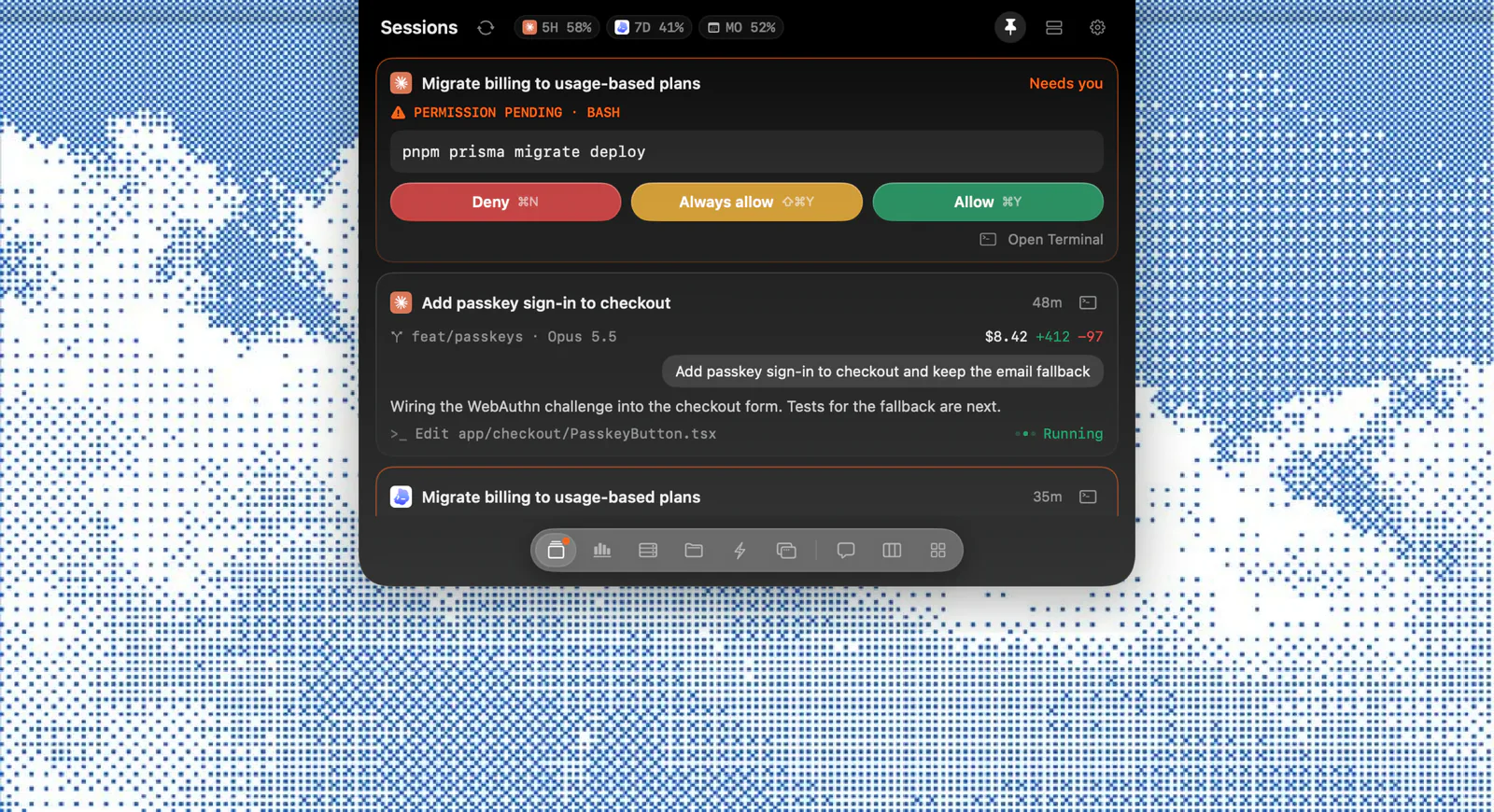
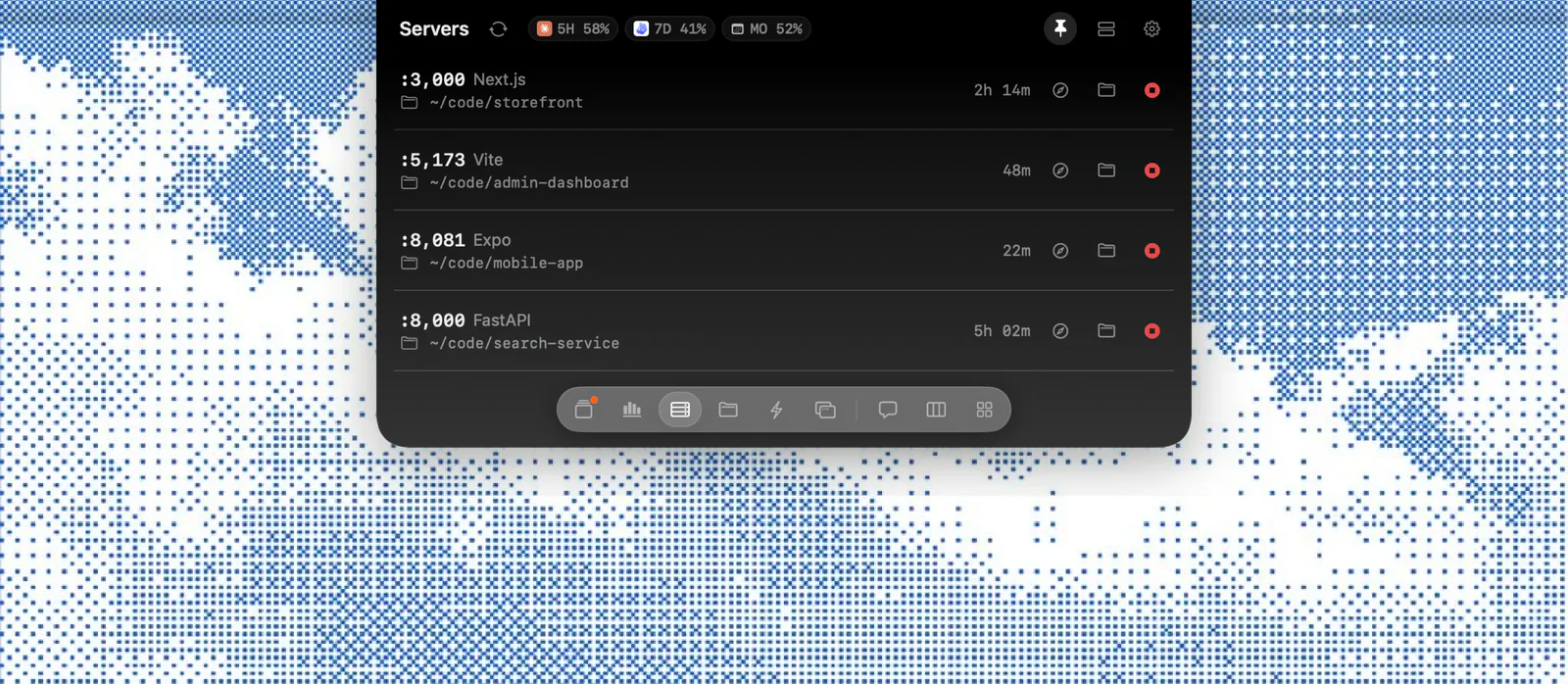
Hover to open. A few quiet dots otherwise, with a badge when an agent needs you.
Native command center for your coding agents
Approve, track and steer every session from the notch
macOS 14 or later · Apple Silicon and Intel · Local-first
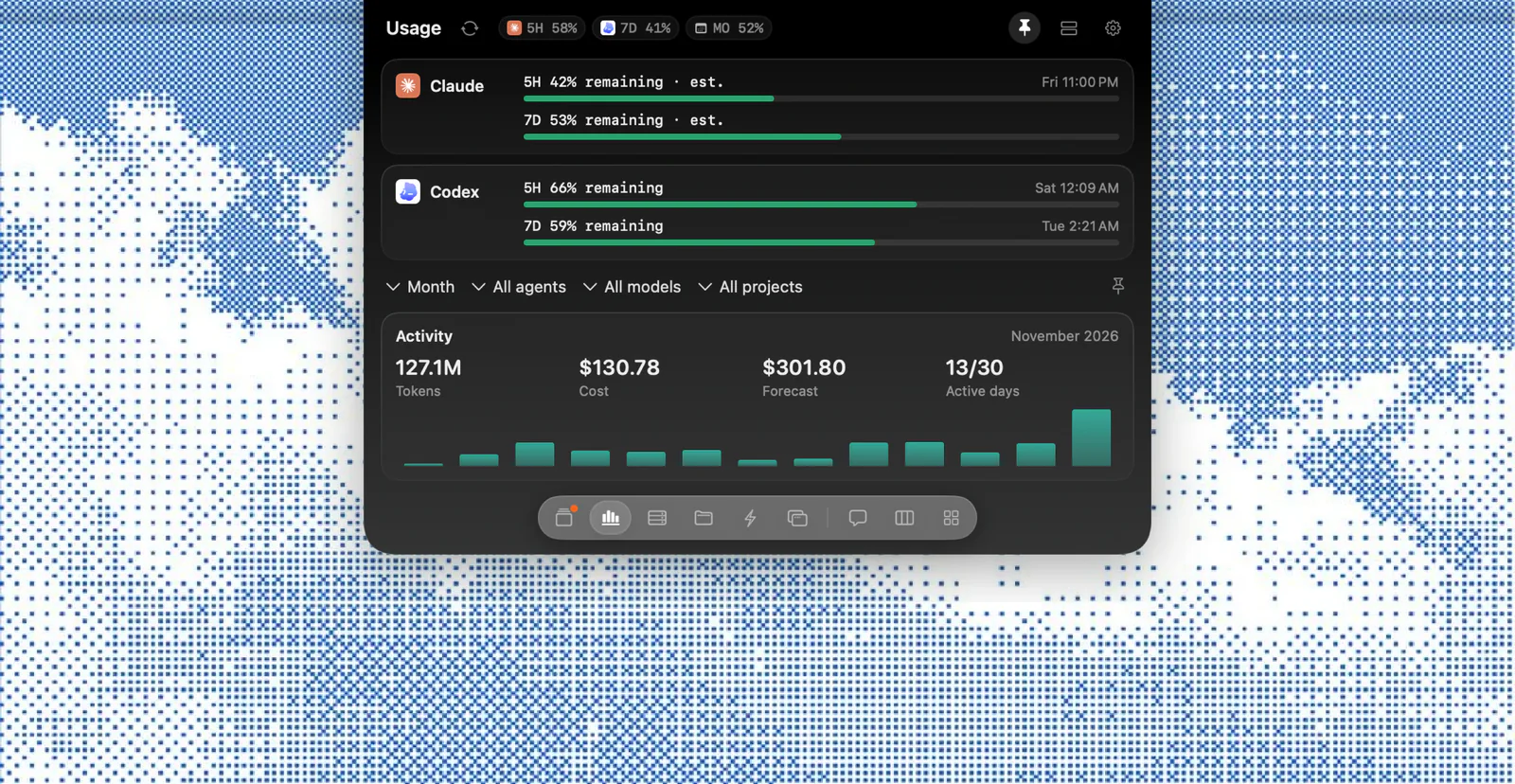
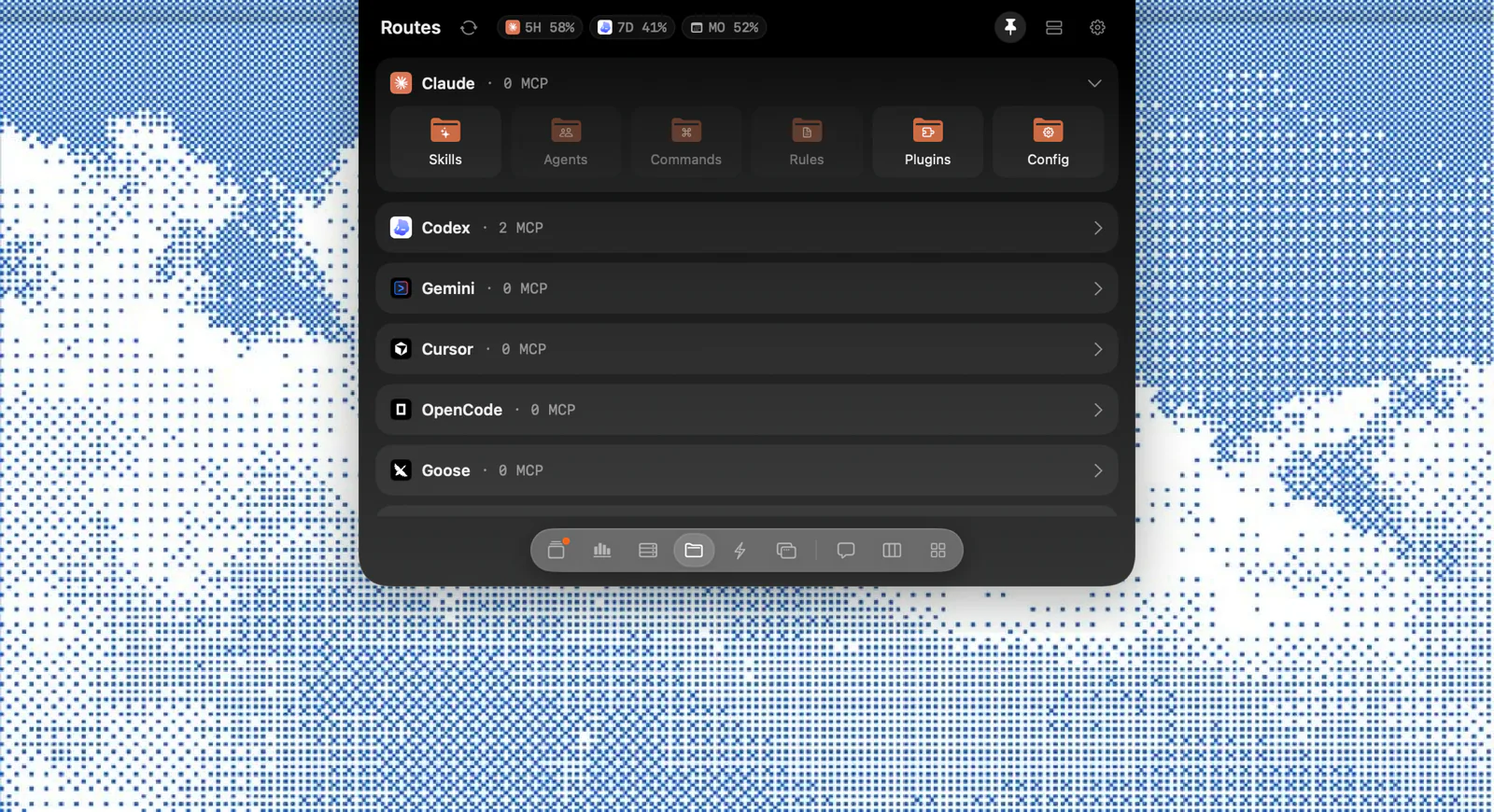
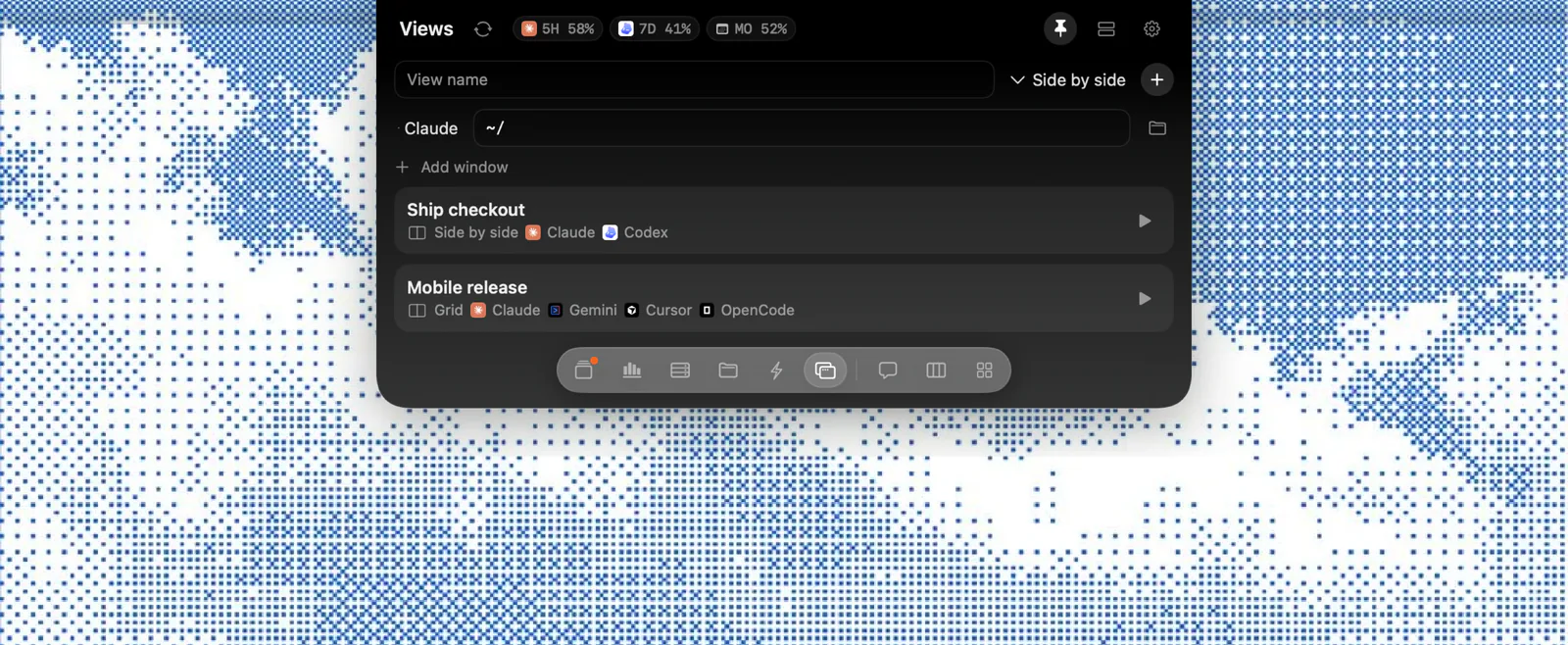
Limits 5‑hour and weekly windows for Claude and Codex, in the notch.
A native command center for Claude Code, Codex, Gemini, Cursor and OpenCode.
Local-first and private by default.
Hover to open. A few quiet dots otherwise, with a badge when an agent needs you.
⌘Y to allow, ⌘N to deny, without leaving your editor.
pnpm prisma migrate deployPermission prompts open right where you're looking, with the full command.
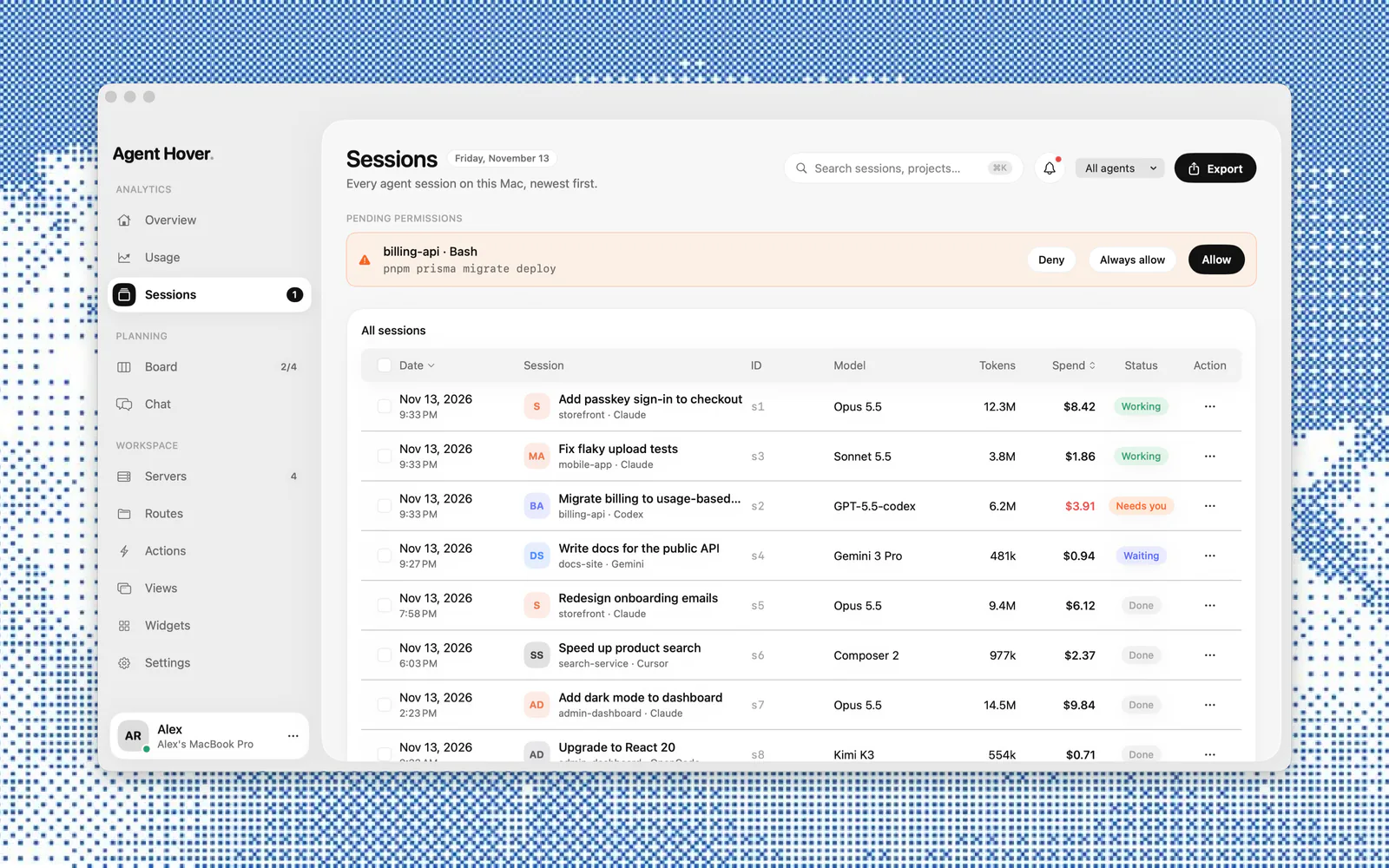
Sessions from every agent on this Mac, newest first.
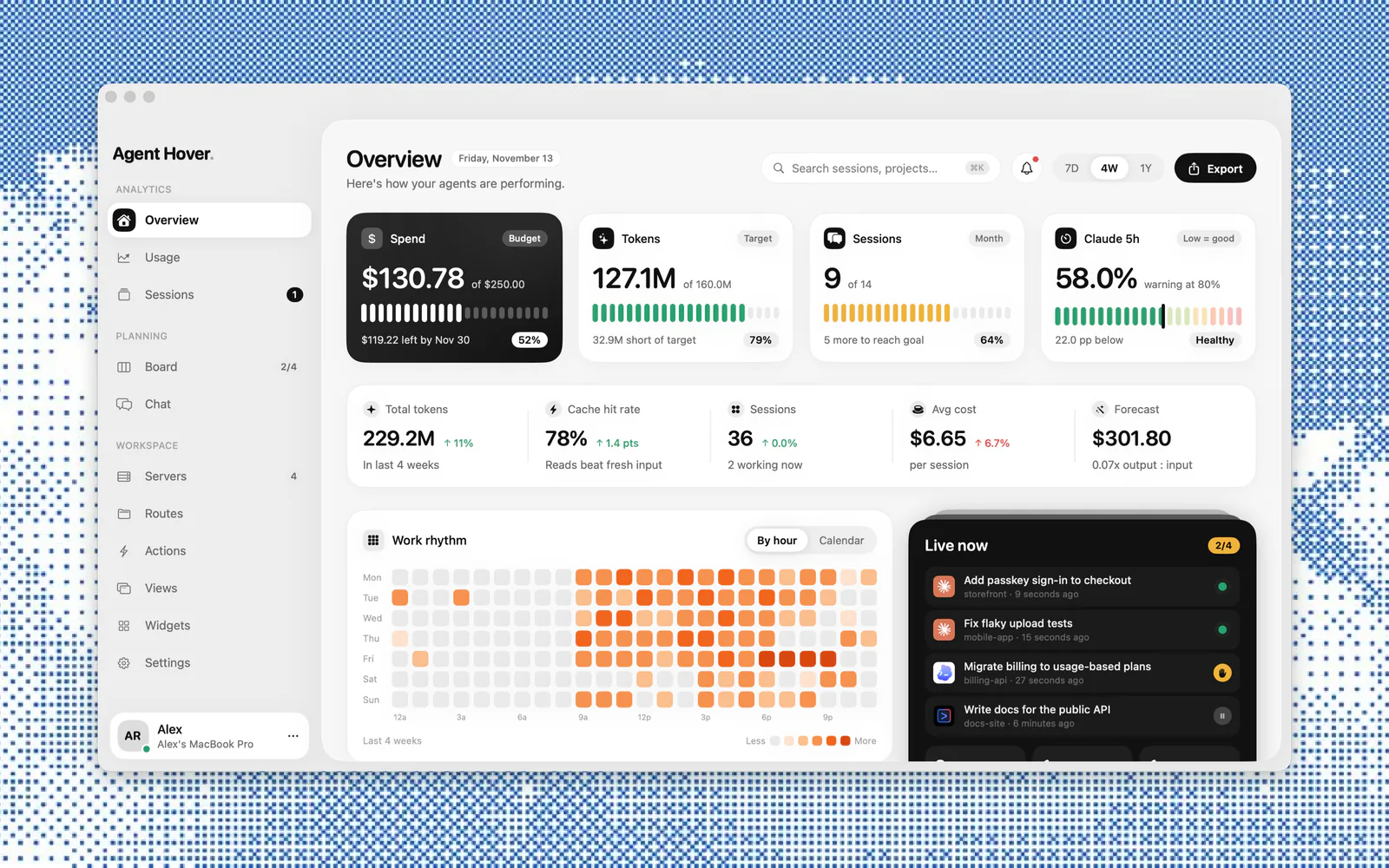
5‑hour and weekly windows for Claude and Codex, always in view.
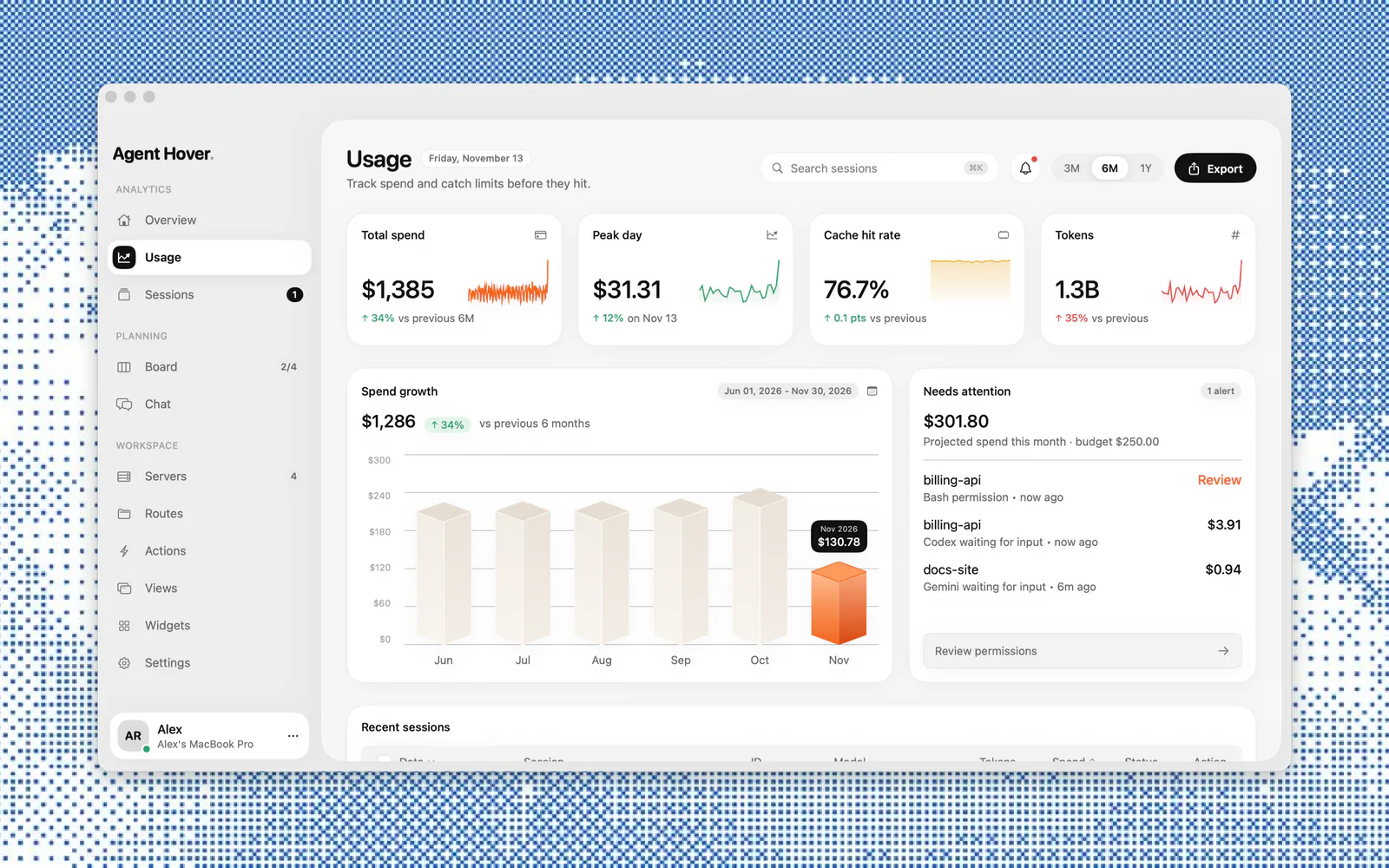
Spend, tokens and cache hits, month over month, with a budget you set.
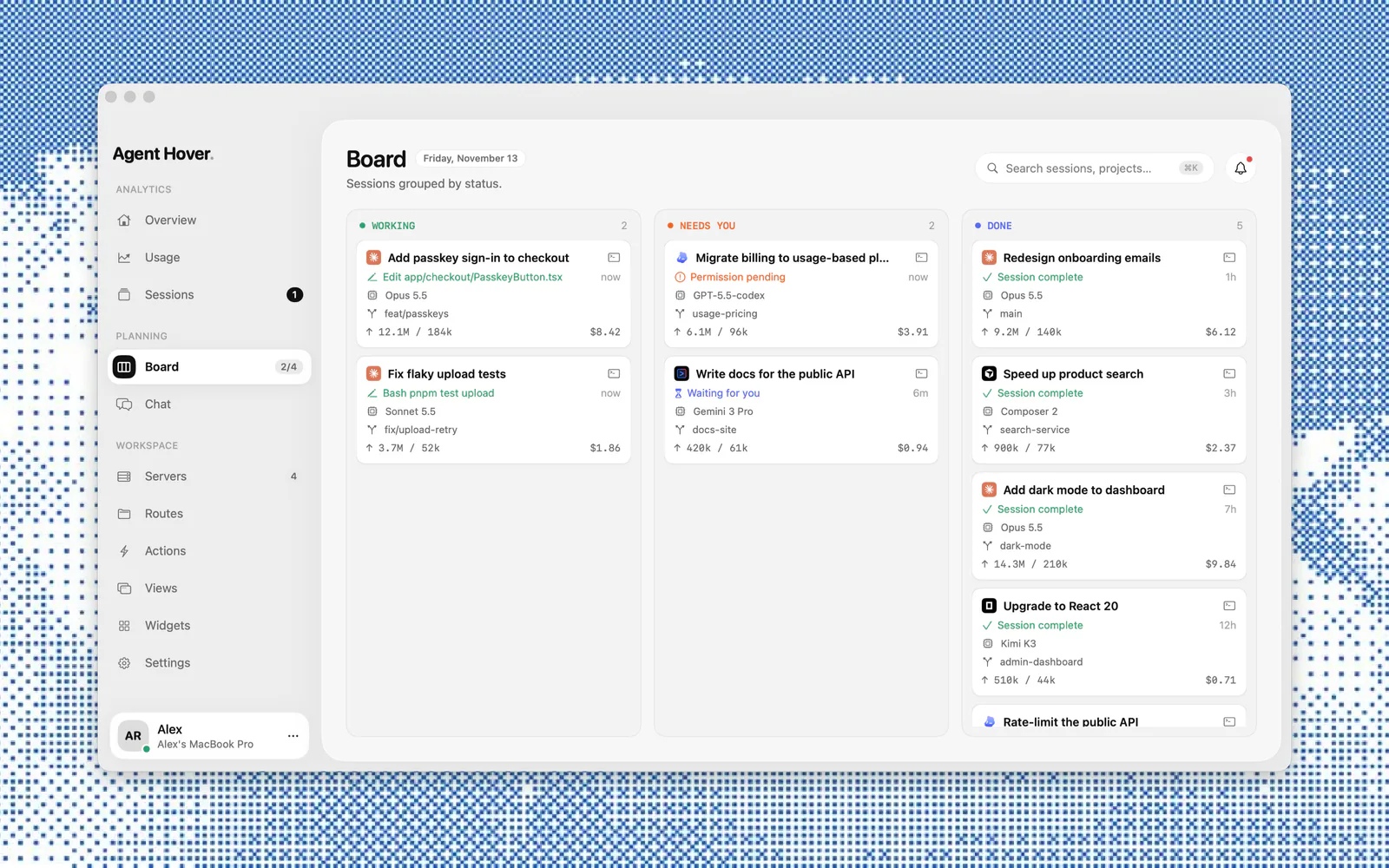
Working, needs you, done. See what's waiting on you at a glance.
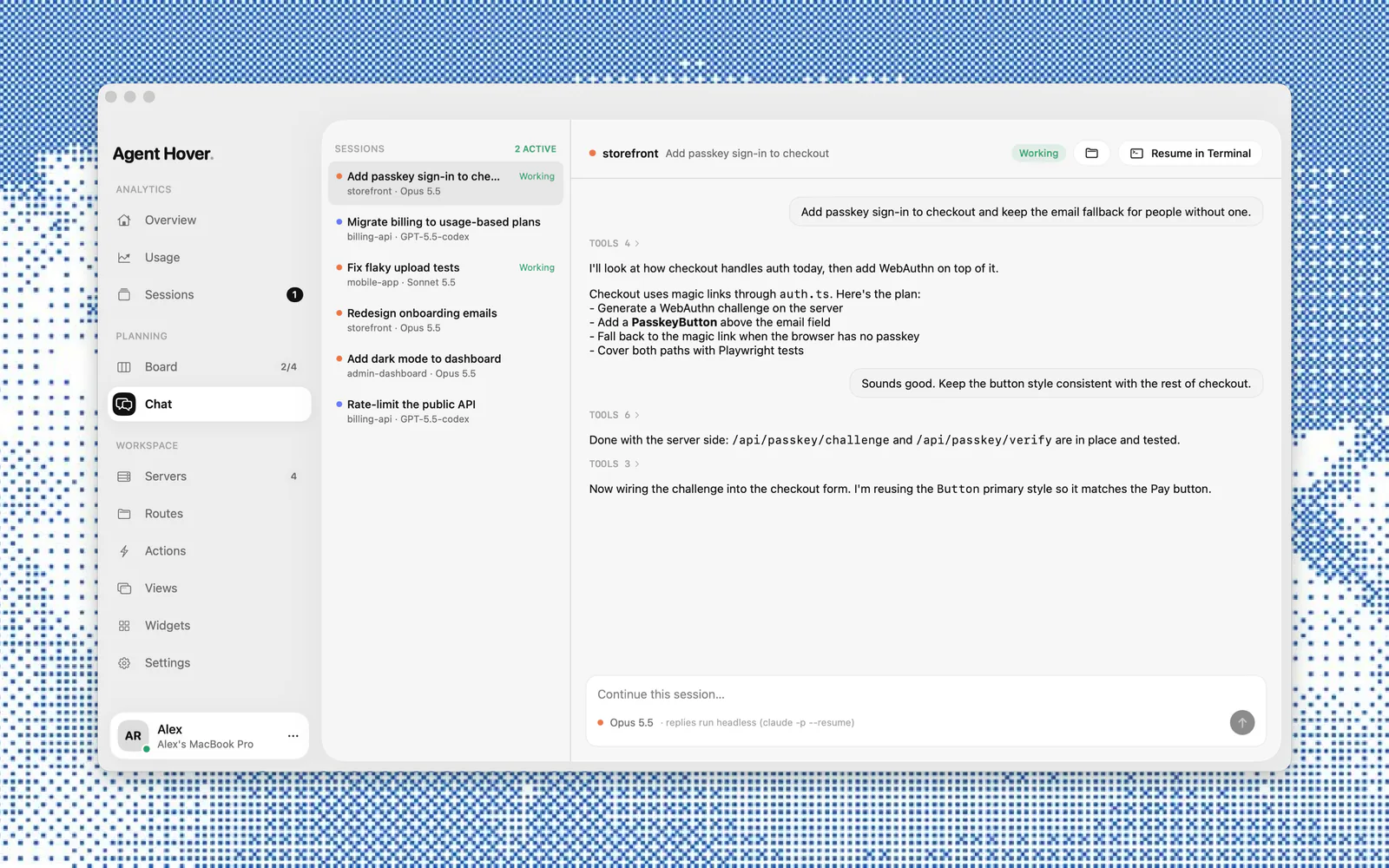
Reply headless, or resume the session in Terminal.
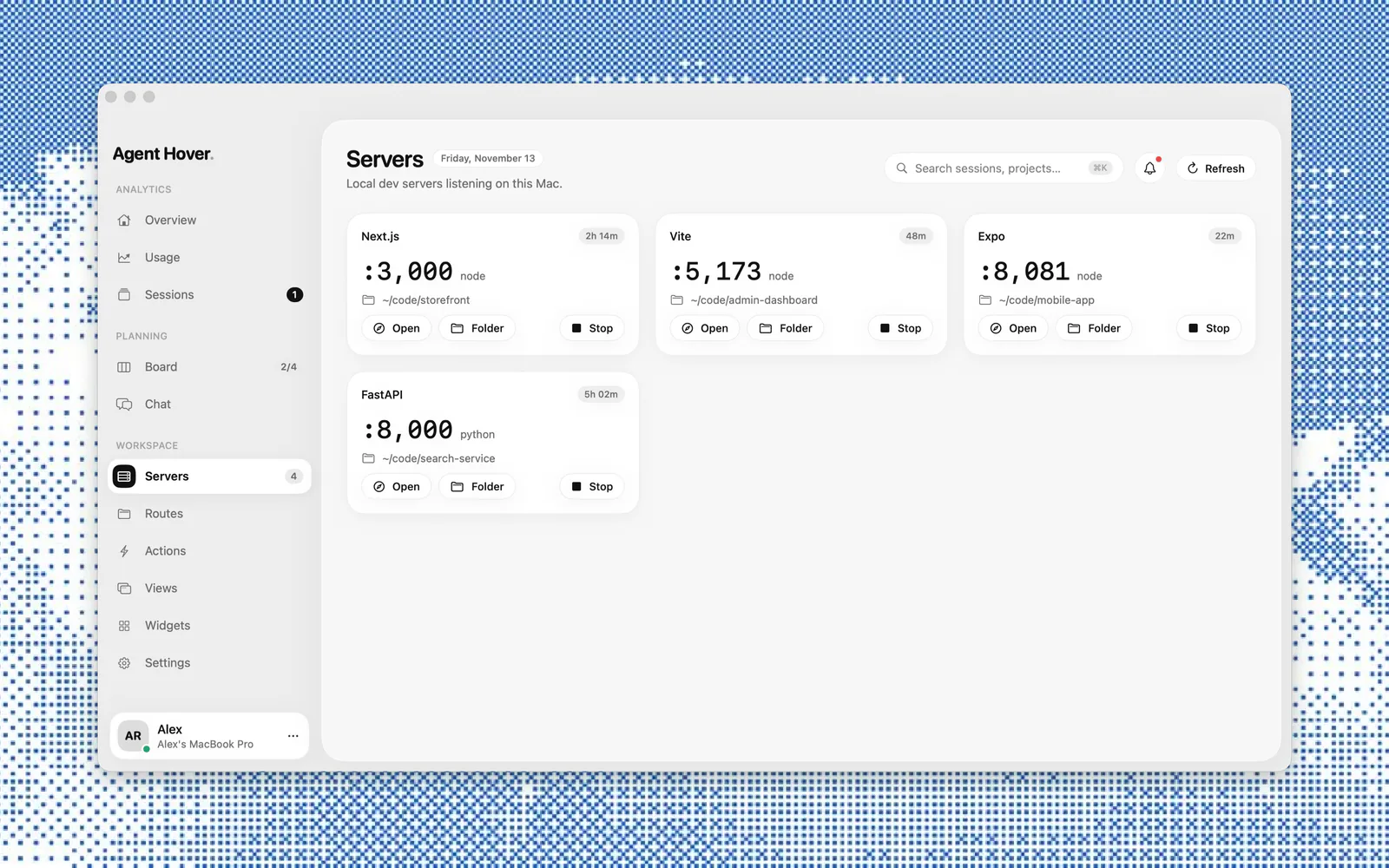
Every port listening on your Mac. Open or stop it in a click.
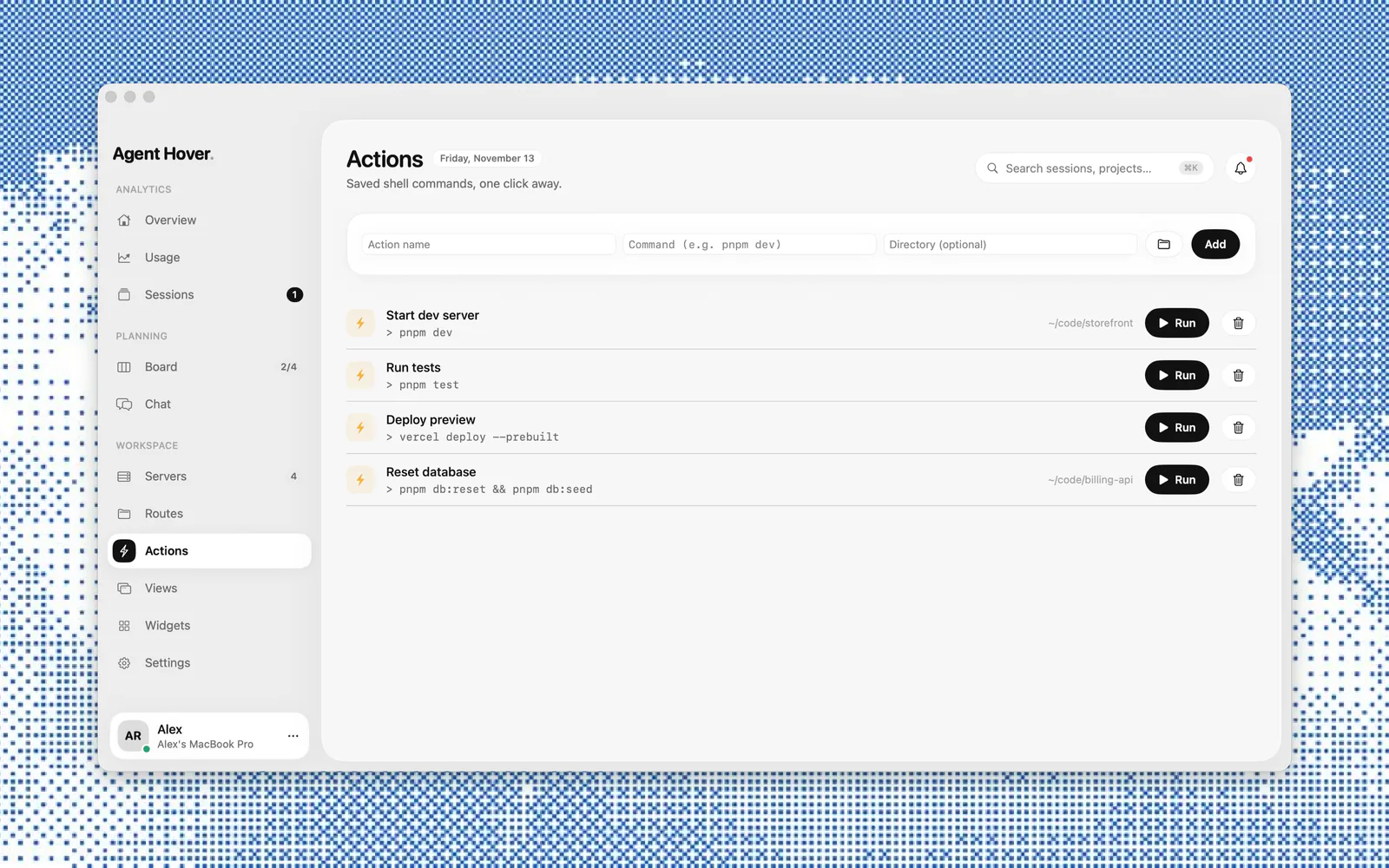
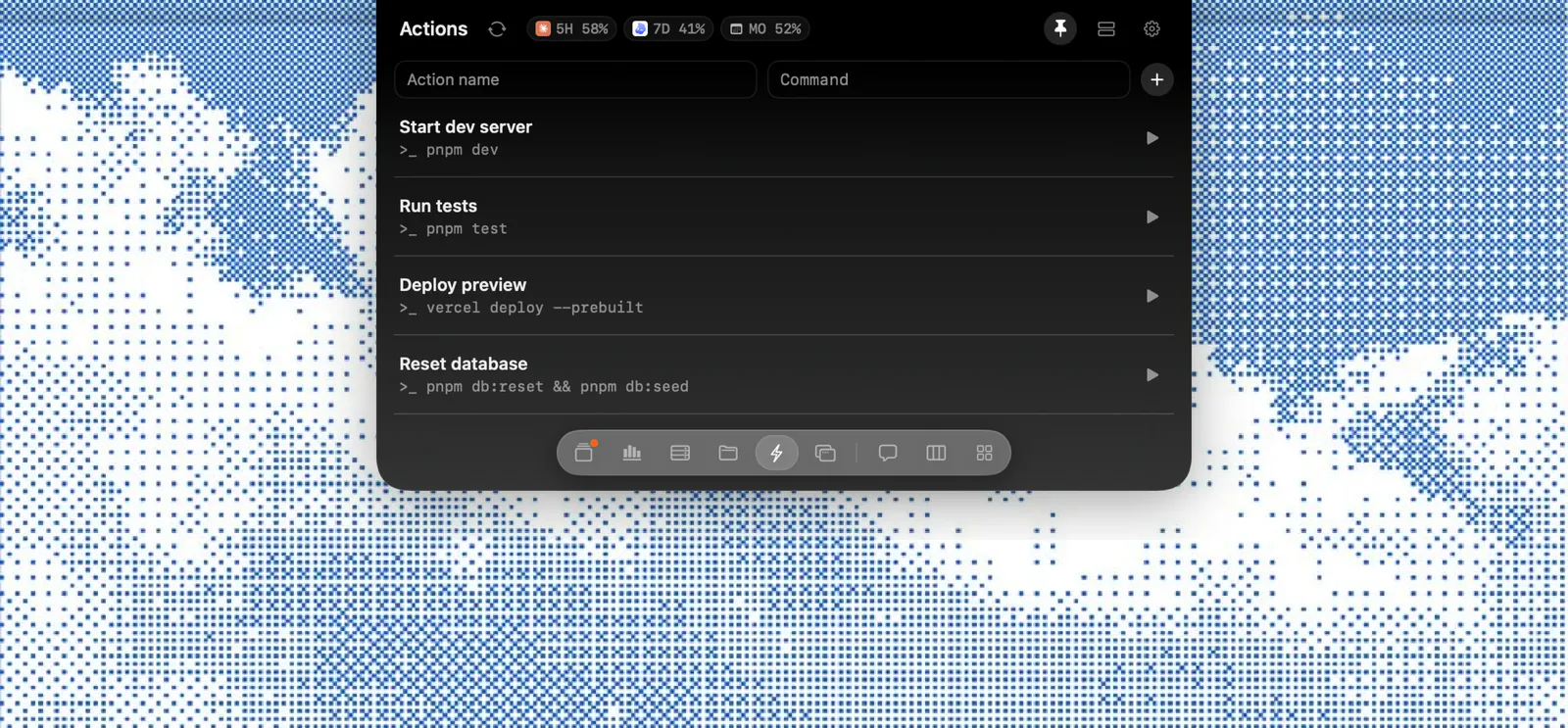
Save the shell commands you run all day and fire them from the notch.
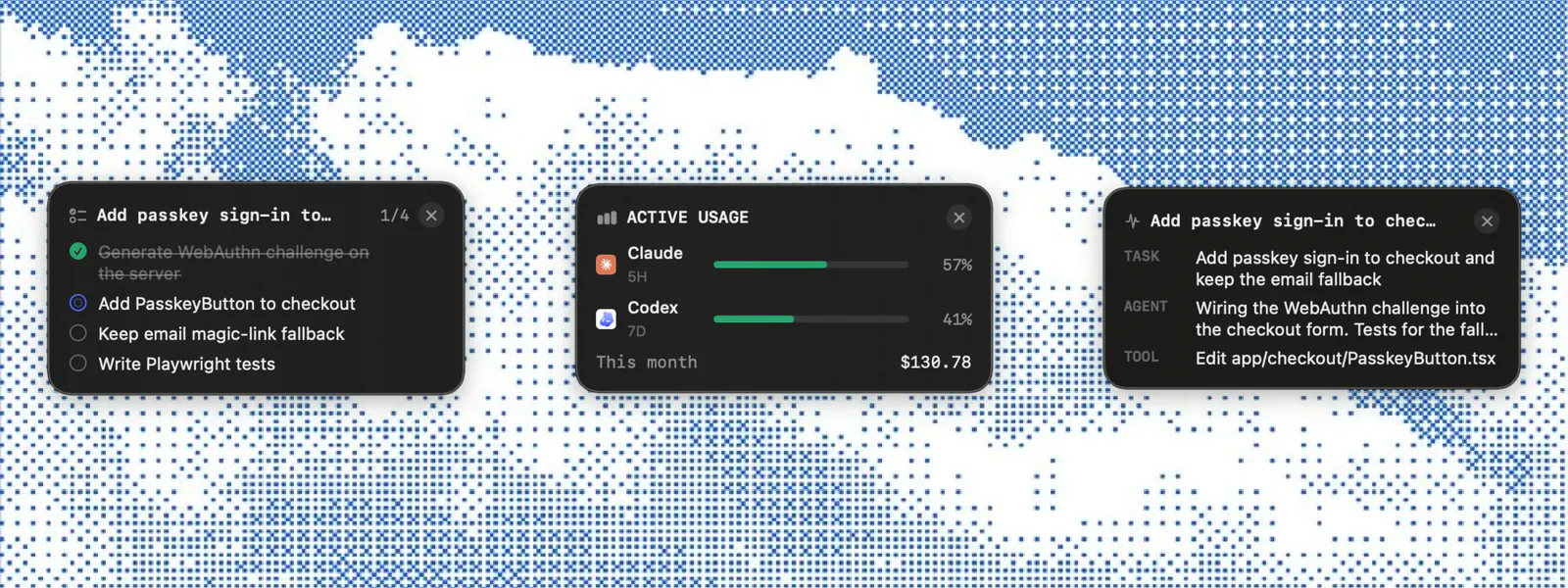
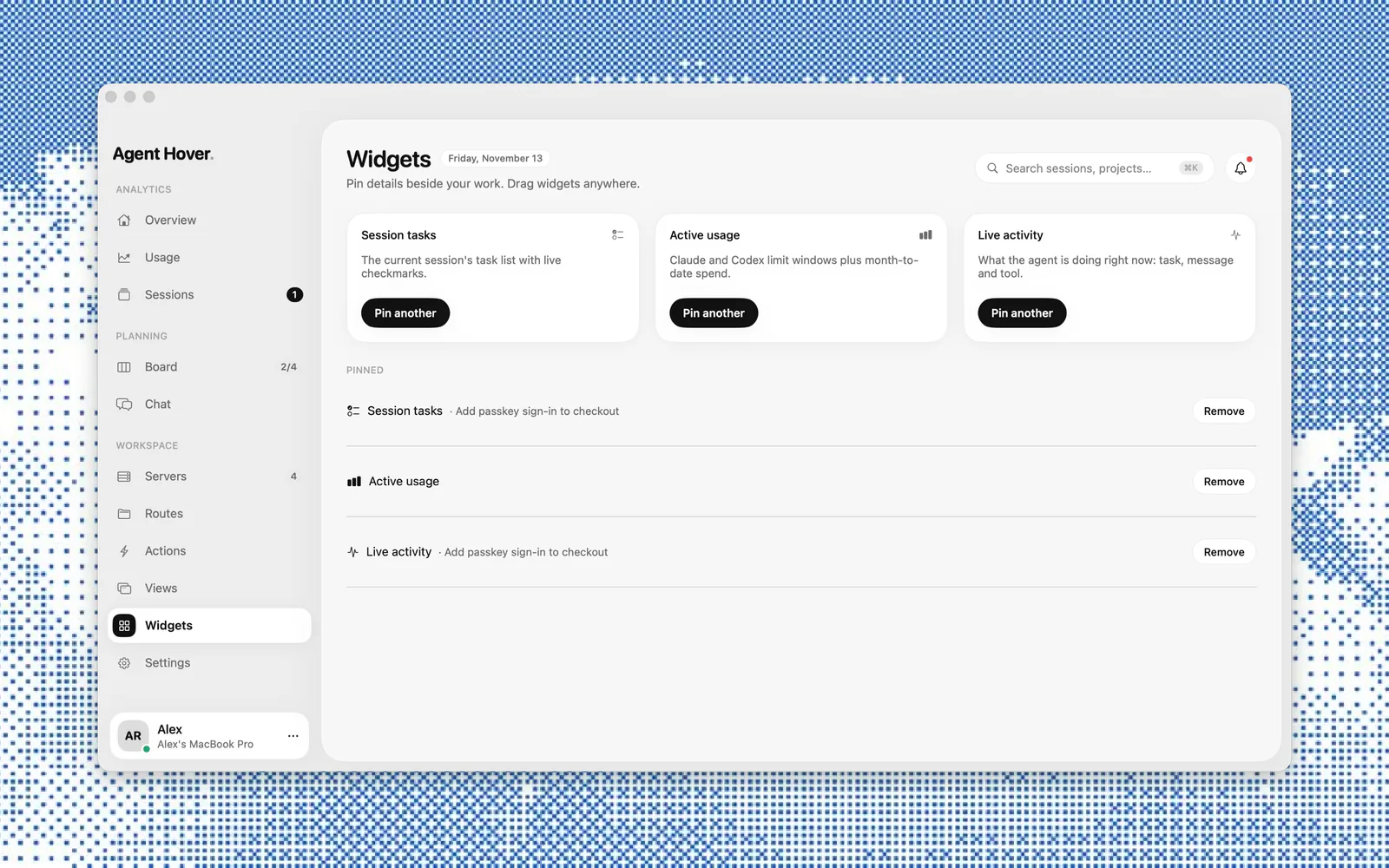
Pin a session's tasks, usage or live activity anywhere on your desktop.
Reads your agents' files on disk. Your prompts, code and usage never leave your Mac.
Agent Hover
Agent Hover
License for 1 Mac
$9
One-time purchase · no subscription
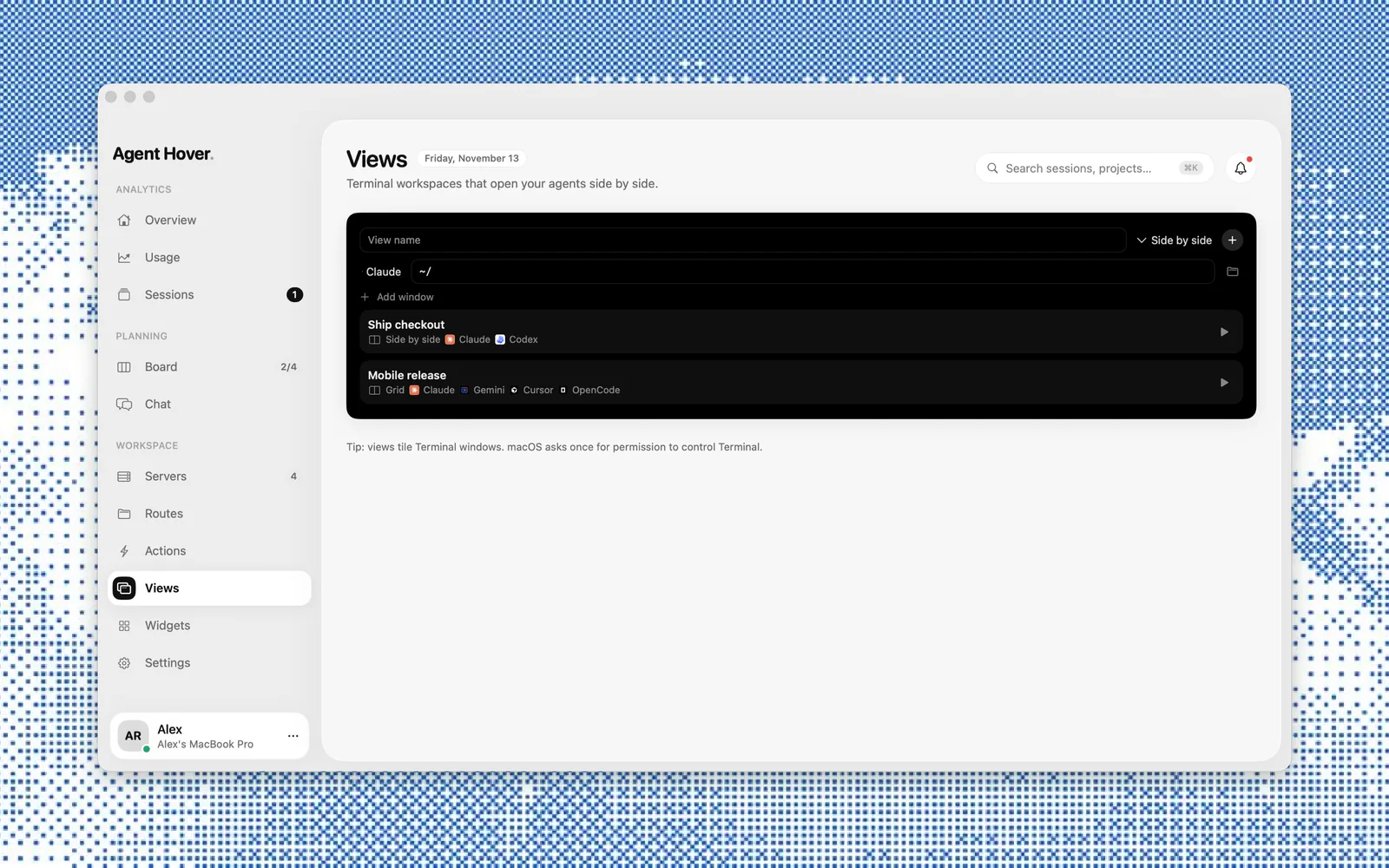
A native Mac app that keeps an eye on the AI coding agents running on your machine. It lives in the notch, shows what each session is doing, and lets you answer permission prompts, check usage limits and track spend without switching windows.
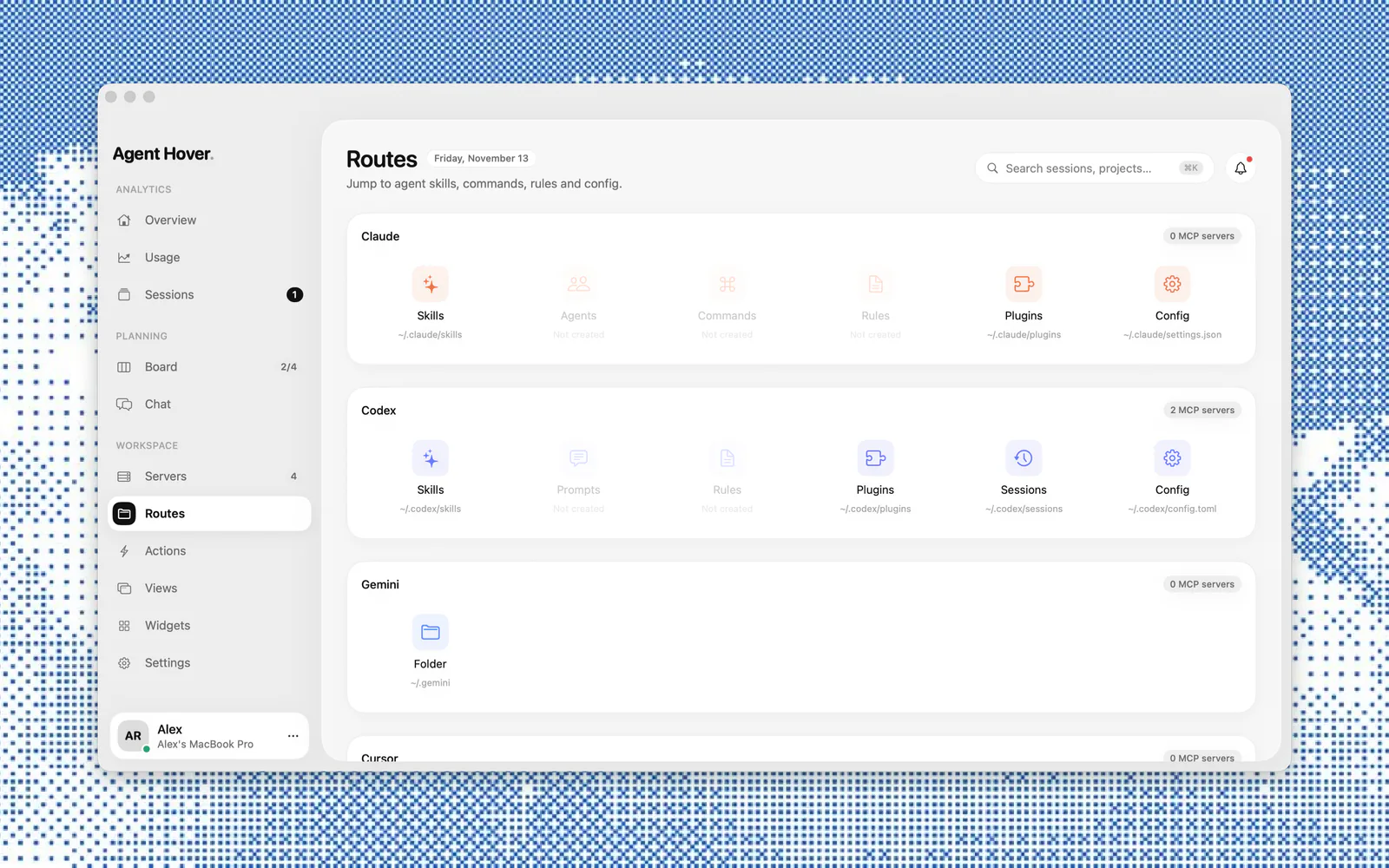
Claude Code, Codex, Gemini, Cursor and OpenCode. Sessions from all of them show up in one list, on the board and in the notch.
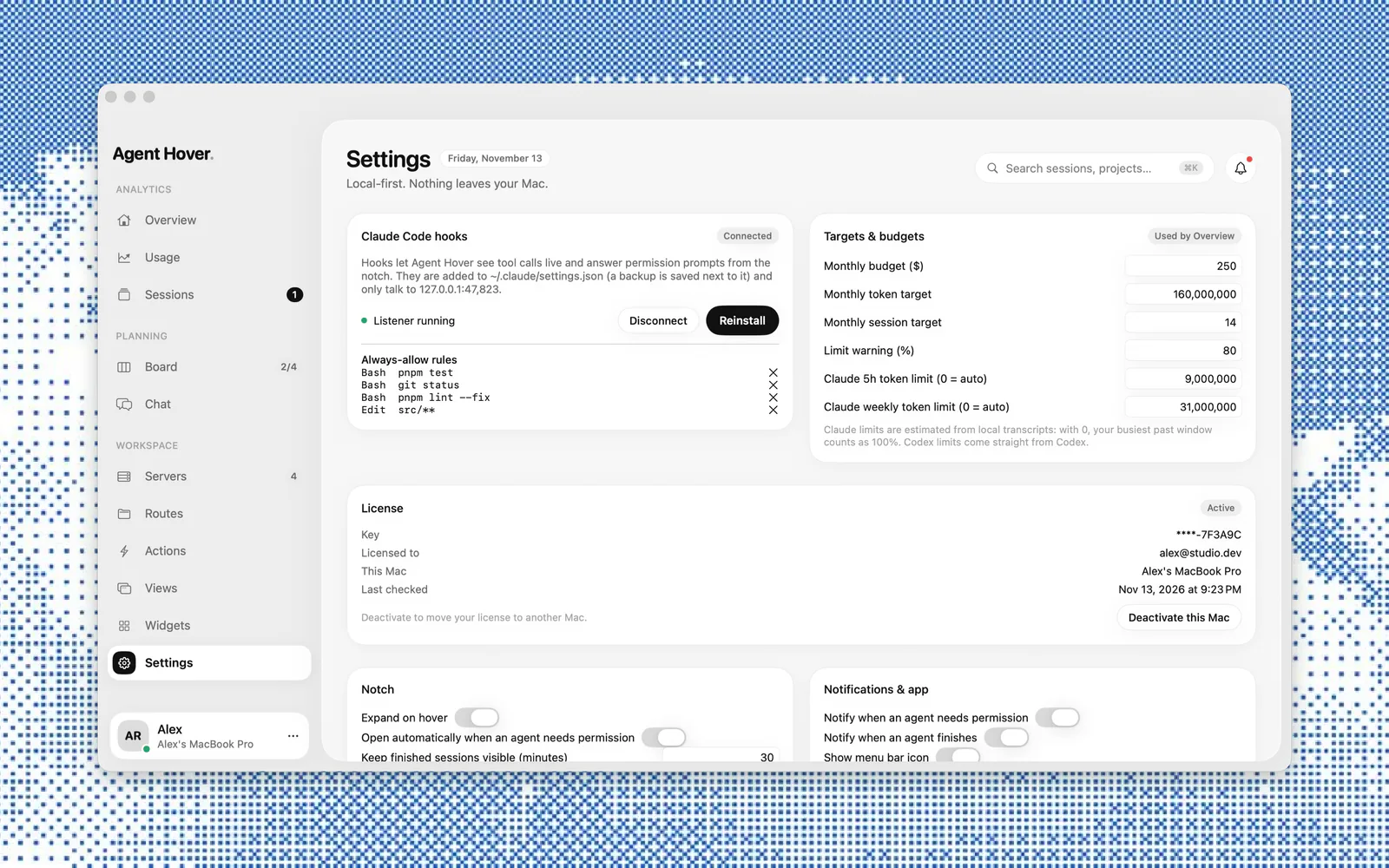
Agent Hover installs Claude Code hooks so it can see tool calls as they happen. When an agent needs approval, the notch opens with the command and three buttons: Deny (⌘N), Always allow, and Allow (⌘Y). Always-allow rules are listed in Settings and you can remove them any time.
Your prompts, code and usage never leave your Mac: it reads your agents' session files on disk, and its hooks only talk to a listener on 127.0.0.1. The only network requests are checking your license key with Polar (our payment provider) and checking agenthover.app for app updates.
It adds its hooks to ~/.claude/settings.json and saves a backup next to it first. You can disconnect or reinstall the hooks from Settings.
Codex limits come straight from Codex. Claude's 5‑hour and weekly limits are estimated from your local transcripts. You can also set the limits yourself in Settings.
No. Agent Hover is a one-time purchase: you can download it any time, and it asks for a license key on first launch.
Right after you buy, Polar emails you the key. Open Agent Hover, paste the key and click Activate. The 1, 3 and 5 Mac plans let you activate the same key on that many Macs.
macOS 14 Sonoma or later, on Apple Silicon or Intel.
Updates are included. Agent Hover checks for new versions once a day and installs them automatically, or you can choose Check for Updates… from the menu bar icon.
Yes. Deactivate it in Settings → License on the old Mac, then activate it on the new one.

macOS 14 or later · Apple Silicon and Intel · Local-first